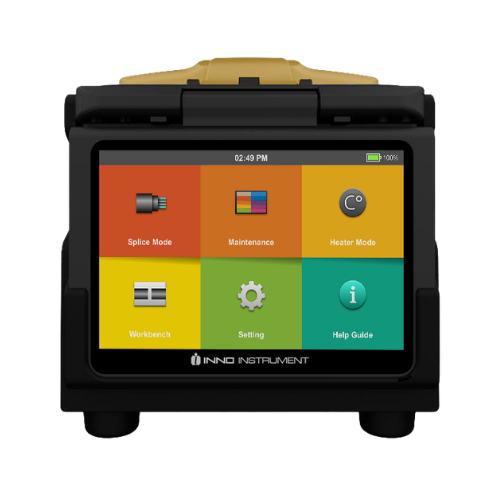
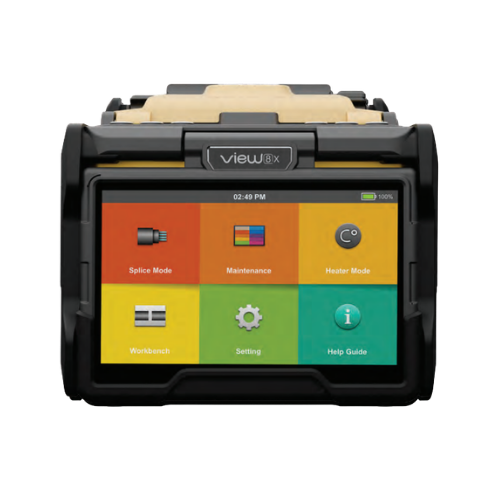
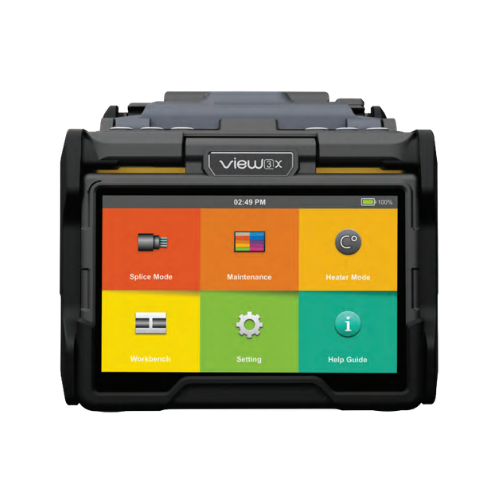
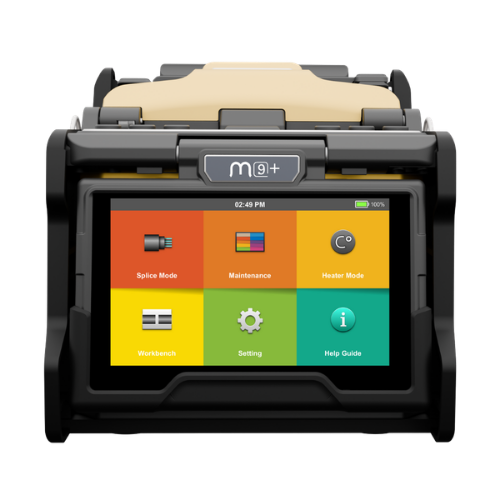
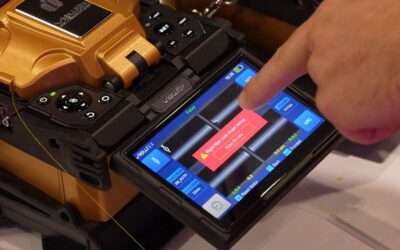
In large-scale fiber optic deployments, control over field equipment directly impacts business performance. For telecommunications companies and ISPs, fusion splicers are not just technical tools. They are strategic assets that influence network quality, service reliability, operational costs, and brand reputation. When equipment is unmanaged, misused, or unaccounted for, the financial and operational consequences can quickly escalate.
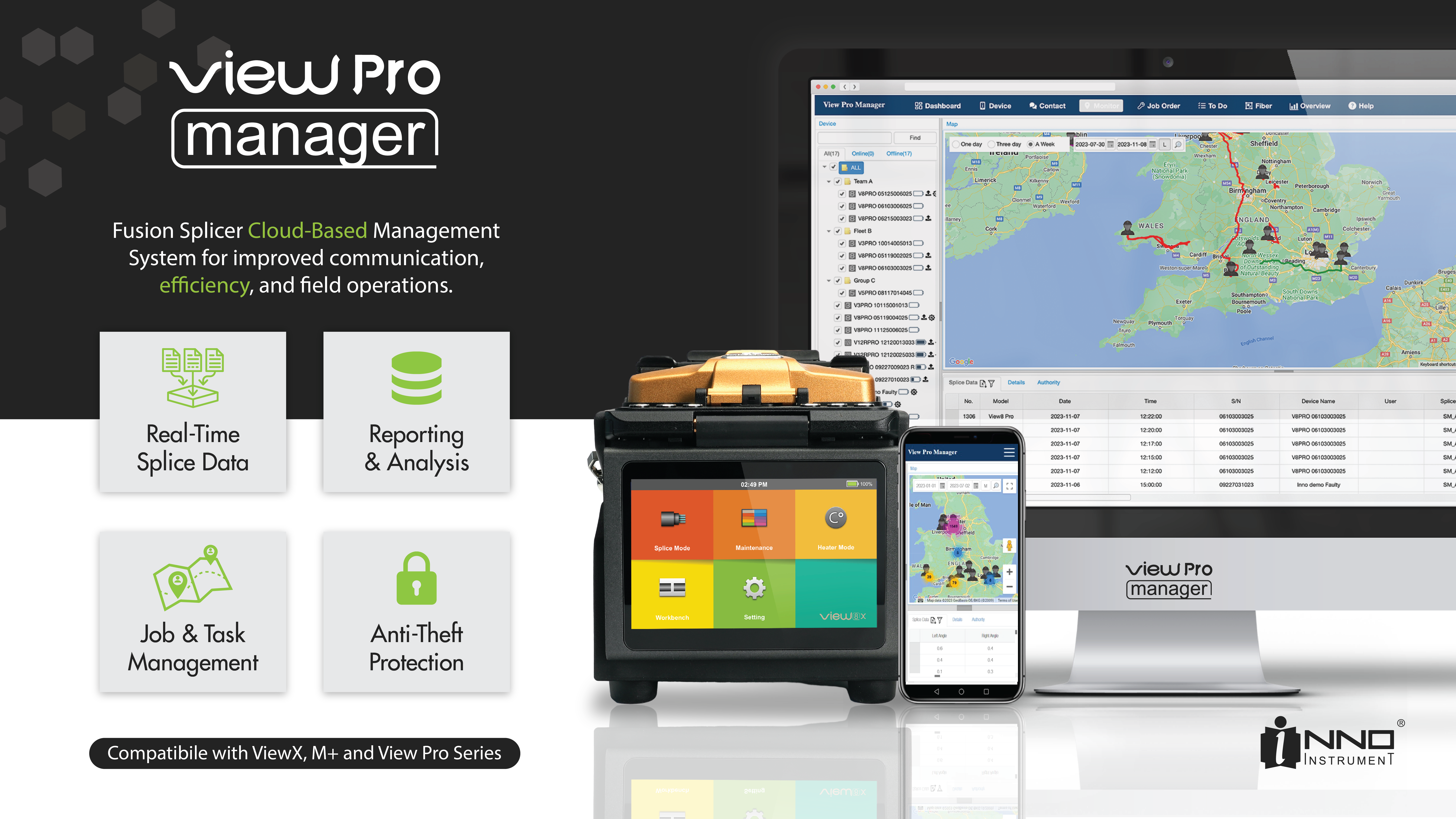
INNO fusion splicers connected to View Pro Manager are designed to eliminate uncertainty. They provide real-time visibility into where your devices are, how they are being used, and whether they comply with your internal standards. This level of centralized control allows telecom companies to move from reactive problem-solving to proactive operational management. Instead of discovering issues after quality drops or equipment goes missing, you prevent them before they impact performance.
For telecom managers overseeing multiple teams, regions, and projects, this means stronger oversight without adding administrative burden. Devices connect directly to the cloud through built-in cellular connectivity, ensuring continuous monitoring without relying on technicians’ phones or manual reporting. Every splicer becomes part of a connected ecosystem that supports operational discipline, asset protection, and consistent quality control.
Ultimately, the value extends beyond equipment security. It strengthens project timelines, protects capital investment, improves splice consistency across teams, and reduces long-term maintenance costs. In an industry where margins depend on efficiency and reliability, having full control over your fusion splicer fleet translates directly into operational confidence and measurable business advantage.
Why Equipment Control Is Critical for ISPs and Contractors
In large ISP operations and fiber contracting companies, fusion splicers are constantly moving between teams, service vehicles, job sites, warehouses, and subcontractors. This dynamic environment is a normal part of fiber network expansion and maintenance. However, the more devices you deploy across multiple regions and teams, the more complex equipment oversight becomes. Even well-structured organizations can experience gaps in control due to operational pressure, tight deadlines, and distributed field operations.
In real-world conditions, technicians often finish work late and may leave splicers overnight in service vans because returning to headquarters would require additional travel time. In busy periods, devices can be unintentionally picked up by another employee who assumes they are available. Splicers that are scheduled for calibration or servicing may remain in circulation simply because no one realizes they have reached a maintenance threshold. Equipment may also be used outside company-approved working hours, increasing exposure to risk. In some cases, devices are lost or stolen during active field deployment.
These situations rarely happen due to negligence or bad intent. They are typically the result of workload intensity, logistical complexity, and human error. However, the operational consequences can be significant. When calibration schedules are missed or incorrect parameters are modified, splice quality can decline. Reduced splice performance leads to higher rework rates, increased troubleshooting time, and potential customer dissatisfaction. Inconsistent field results may compromise overall network performance and delay project completion. Over time, these inefficiencies translate into measurable financial losses, higher operational costs, and pressure on profit margins.
For large-scale ISPs and contractors, the challenge is not only protecting equipment but ensuring consistent performance and compliance across all teams. View Pro Manager addresses this by introducing a structured control system that provides full visibility into device location, usage patterns, and configuration status. Instead of relying solely on manual reporting or internal discipline, management gains centralized oversight of the entire splicer fleet. This reduces uncertainty, strengthens operational standards, and protects both capital investment and network quality.
Common real-world situations include:
-
Technicians leaving splicers overnight in vans due to travel distance or overtime
-
Devices being accidentally taken by another employee
-
Splicers that should be sent for calibration remaining in circulation
-
Equipment being used outside company-approved working hours
-
Loss or theft during field deployment
Most of these incidents are not intentional. They are the result of workload, logistics, and human error. However, the consequences can include:
-
Reduced splice quality
-
Increased rework rates
-
Network performance degradation
-
Project delays
-
Financial loss
View Pro Manager provides a structured system that reduces these risks and introduces full visibility across your splicer fleet.
Remote Lock: Immediate Response to Loss or Theft
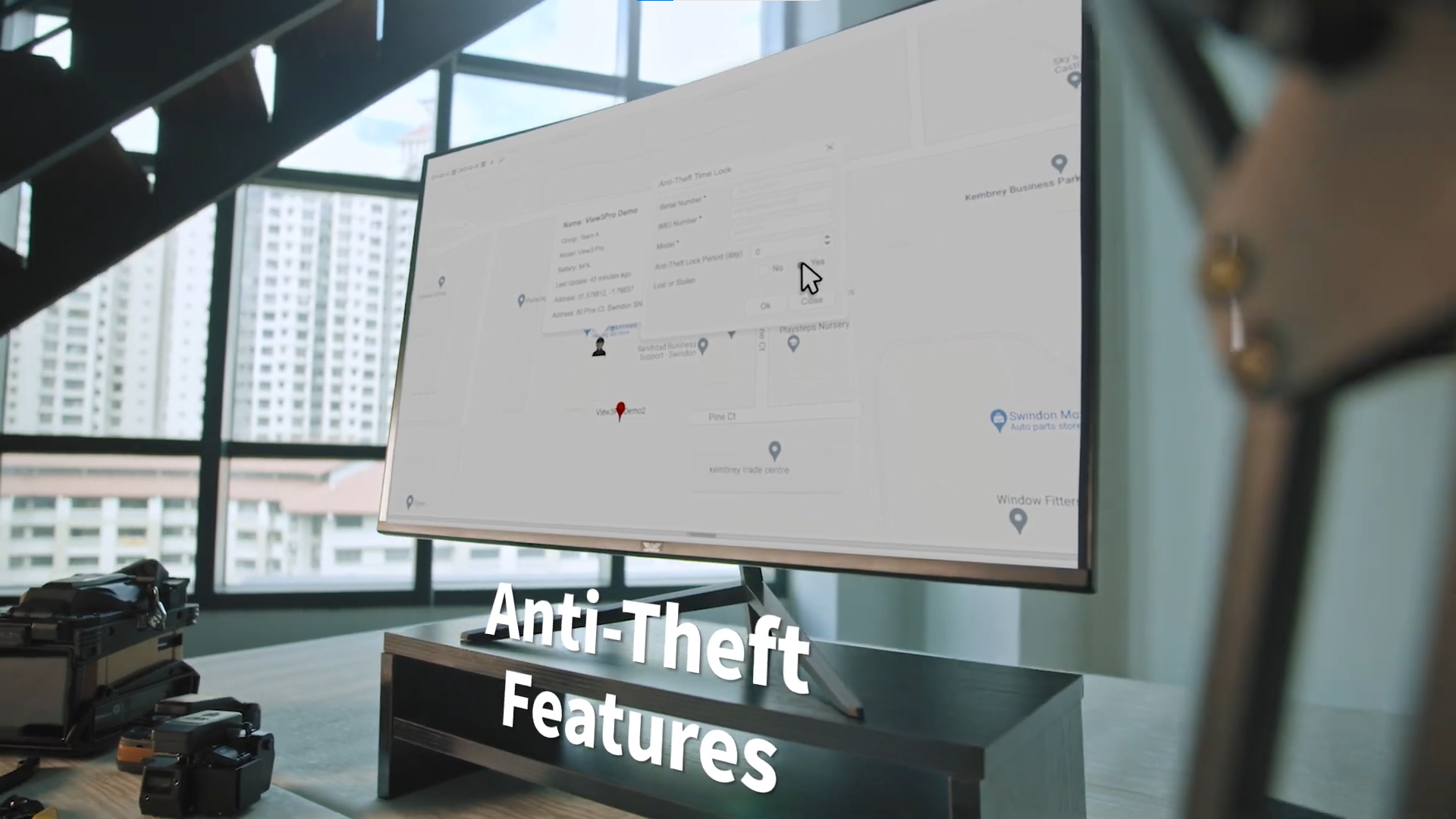
Remote Lock is one of the most powerful security features available in INNO fusion splicers connected to View Pro Manager. If a device is lost, stolen, or suspected of unauthorized use, an administrator can instantly mark the splicer as lost in the cloud platform.
Once activated, the device locks and cannot be used until the administrator authorizes access again. The user must contact the designated supervisor to unlock the device.
Remote Lock provides:
-
Immediate device immobilization
-
Prevention of unauthorized splicing
-
Protection of sensitive configuration settings
-
Increased recovery probability
-
Reduced financial exposure
This feature ensures that even if the device is physically outside your control, operational authority remains centralized.
Anti-Theft Lock Period: Automatic Protection Without Daily Supervision
Not every company requires technicians to return splicers to the warehouse daily. In distributed teams or rural deployments, constant supervision may not be practical. For this reason, INNO devices include an Anti-Theft Lock Period feature.
Administrators can define a specific number of days during which the splicer must reconnect to the cloud. If the device fails to synchronize within that timeframe, it locks automatically.
Example configuration:
Anti-Theft Period: 3 days
Operational scenario:
-
The splicer is lost or stolen
-
The SIM card is removed
-
The device does not reconnect to the cloud for 3 days
-
The splicer continues to operate during the defined grace period
-
After day 3, the device automatically locks
-
The device remains locked until cloud synchronization occurs
-
GPS location is recorded when available
This feature ensures long-term misuse is impossible, even if connectivity is interrupted. It provides structured security without requiring constant manual monitoring.
Full Access Control: Protecting Splice Quality and Compliance
Splice quality does not depend only on hardware performance. Even the most advanced fusion splicer can produce inconsistent results if configuration settings are modified incorrectly. Improper arc calibration values, changes in splice programs, or unauthorized adjustments to operational parameters can directly increase splice loss and negatively affect overall network performance.
One of the most common causes of inconsistent field results is the incorrect selection or modification of splice modes. When technicians have unrestricted access to all programs and system options, there is a higher risk of:
-
Selecting an inappropriate splice program for the fiber type
-
Modifying predefined splice parameters
-
Deleting or altering approved splice programs
-
Changing arc settings outside recommended limits
-
Disabling standardized company configurations
To prevent these issues, View Pro Manager includes Supervisor Mode, which allows managers to control exactly which parts of the device interface can be modified by field users.
Full Access Control enables:
-
Restricting access to advanced settings and system-level options
-
Locking approved splice programs to prevent modification or deletion
-
Limiting the ability to select non-approved splice modes
-
Preventing unauthorized arc recalibration changes
-
Enforcing predefined company splice standards across all devices
This means technicians can operate the device efficiently within approved parameters, while managers maintain full authority over configuration integrity.
By centralizing configuration control and blocking access to inappropriate splice modes or system options, organizations ensure consistent splice performance across multiple teams and regions. This reduces variability in results, minimizes rework, improves reporting accuracy, and protects the long-term reliability of the fiber optic network.
Multi-User and Multi-Device Grouping
Managing dozens or hundreds of splicers requires structured organization. View Pro Manager allows companies to create multi-user and multi-device groups for efficient asset management.
This feature supports:
-
Assigning specific devices to designated technicians
-
Grouping devices by region or project
-
Monitoring job history per device
-
Tracking usage statistics
-
Improving internal accountability
With clear device assignment and tracking, companies gain full visibility into operational distribution. This reduces confusion, prevents equipment misplacement, and simplifies asset audits.
Locking Schedule: Time-Based Operational Control
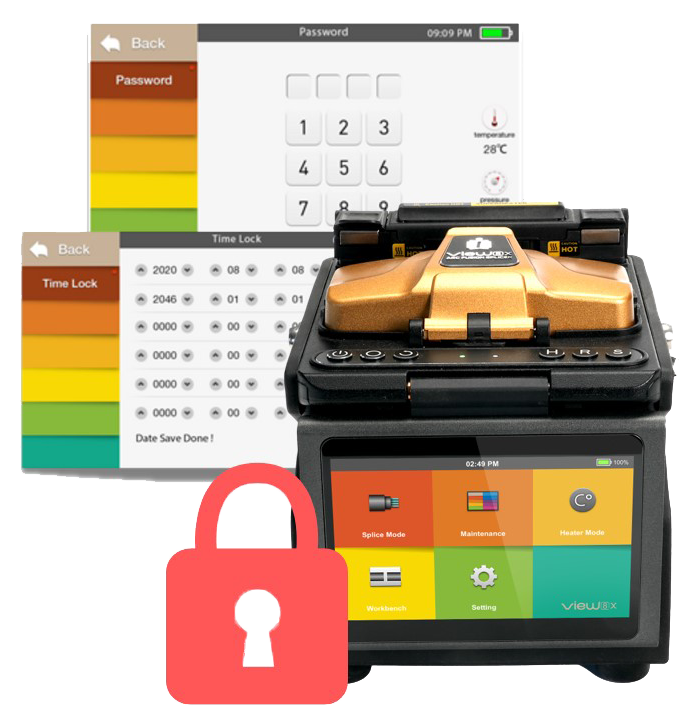
Locking Schedule allows administrators to define exact time windows during which the splicer is authorized to operate. Outside these defined periods, the device automatically locks.
This feature is particularly valuable for companies concerned about unauthorized after-hours use or equipment misuse.
Benefits include:
-
Enforcing working-hour compliance
-
Preventing nighttime or weekend misuse
-
Reducing theft risk
-
Supporting internal policy enforcement
-
Enhancing operational discipline
By aligning equipment availability with official working schedules, organizations gain additional security without limiting productivity during approved hours.
Password Protection and Individual Accountability
Each fusion splicer can be protected with a unique password. When a device is assigned to a specific technician, password protection ensures that only authorized personnel can operate it.
Password protection supports:
-
Clear assignment responsibility
-
Reduced unauthorized access
-
Improved equipment handling discipline
-
Controlled device transfer between employees
-
Strengthened internal asset tracking
When accountability is clearly defined, equipment care improves and operational errors decrease
Built-In SIM Connectivity: Always Connected
Unlike systems that rely on mobile phone pairing or external WiFi connections, INNO fusion splicers integrate a built-in SIM card for automatic cloud communication.
This design eliminates additional steps for field technicians and ensures reliable synchronization whenever cellular coverage is available.
Key advantages include:
-
No dependency on technician smartphones
-
Automatic cloud synchronization
-
Continuous device monitoring
-
Real-time GPS tracking
-
Simplified fleet management
This seamless connectivity is what makes advanced remote security features possible without adding complexity to field operations.
Business Impact: Reduced Risk and Higher Efficiency
The combination of Remote Lock, Anti-Theft Lock Period, Full Access Control, Locking Schedule, Password Protection, and Multi-Device Management creates a secure and intelligent ecosystem for fiber network deployment.
For ISPs and contractors, this translates into measurable operational advantages:
-
Lower risk of equipment theft
-
Improved splice consistency
-
Fewer field errors
-
Stronger compliance with internal standards
-
Better project timeline control
-
Lower total cost of ownership
When equipment is fully controlled, network performance becomes more predictable and scalable.
Total Control Over Your Fusion Splicer Fleet
With INNO fusion splicers connected to View Pro Manager, you maintain continuous authority over your equipment regardless of location.
You always know:
-
Where your device is located
-
Who is using it
-
When it is being used
-
How it is configured
-
Whether it meets company standards
This is not just an anti-theft system. It is a complete operational control platform built directly into your fusion splicing workflow.
INNO fusion splicers deliver precision in the field and intelligence in the cloud.
For managers responsible for large-scale fiber deployment, equipment control is no longer optional. It directly affects operational efficiency, cost control, compliance, and network performance. INNO fusion splicers connected to View Pro Manager provide more than field-ready precision. They deliver centralized visibility and measurable operational control across your entire splicer fleet.
From a management perspective, this means:
-
Reduced capital loss through remote lock and anti-theft protection
-
Lower operational risk with automatic lock periods and GPS visibility
-
Consistent splice quality through supervisor-level access control
-
Stronger compliance with internal standards and calibration policies
-
Controlled working-hour enforcement via locking schedules
-
Clear technician accountability with password protection and device assignment
-
Simplified asset tracking through multi-user and multi-device grouping
Instead of reacting to equipment loss, misuse, or configuration errors, your organization operates proactively. Devices are monitored. Access is controlled. Policies are enforced automatically. The result is predictable performance across teams, fewer field errors, improved network reliability, and lower total cost of ownership.
INNO fusion splicers with View Pro Manager give ISP leadership what matters most at scale: control, visibility, and operational confidence.