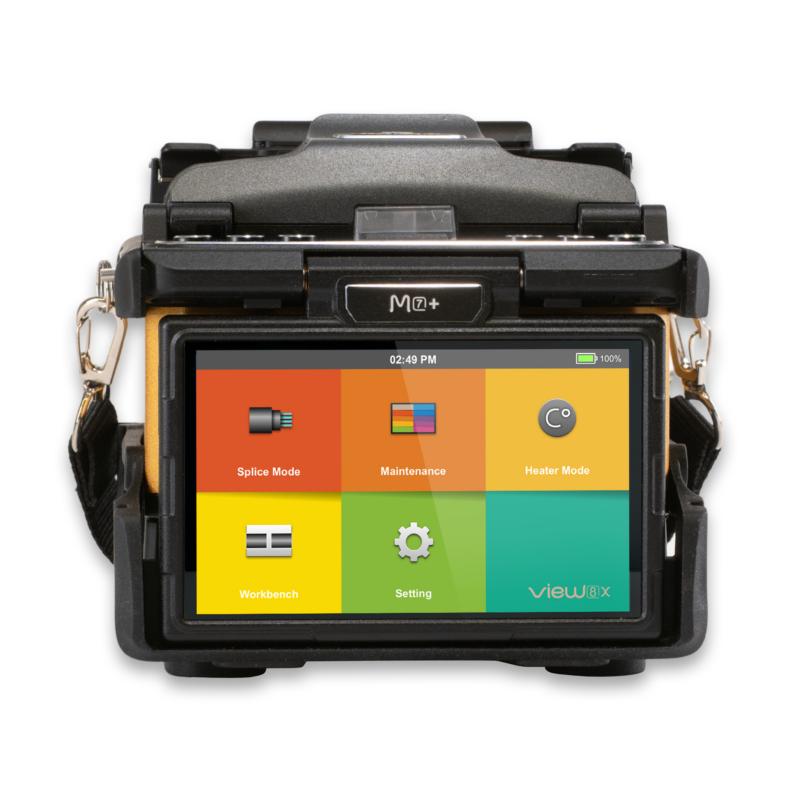
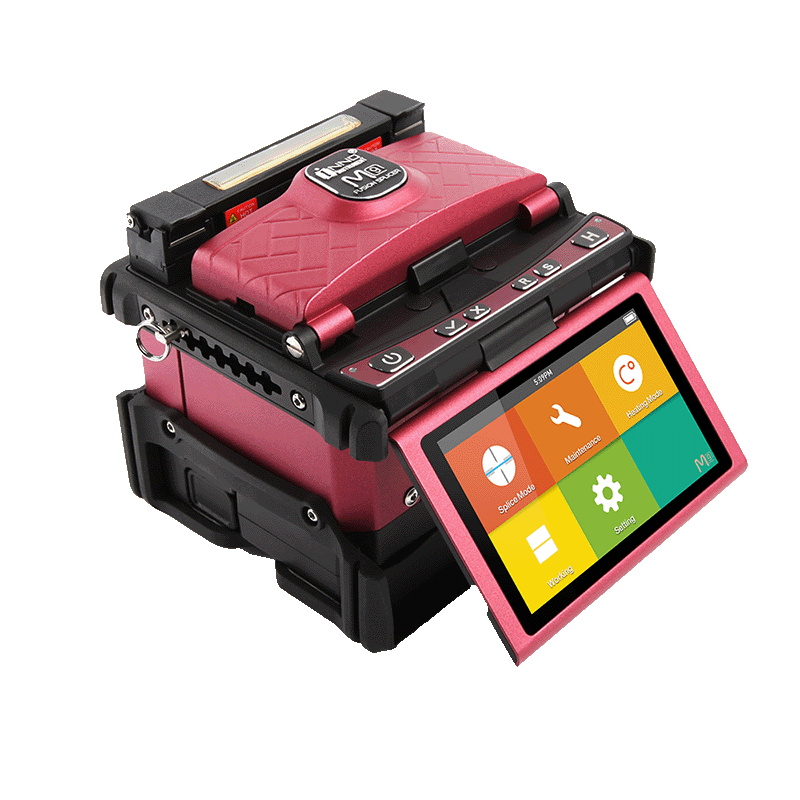
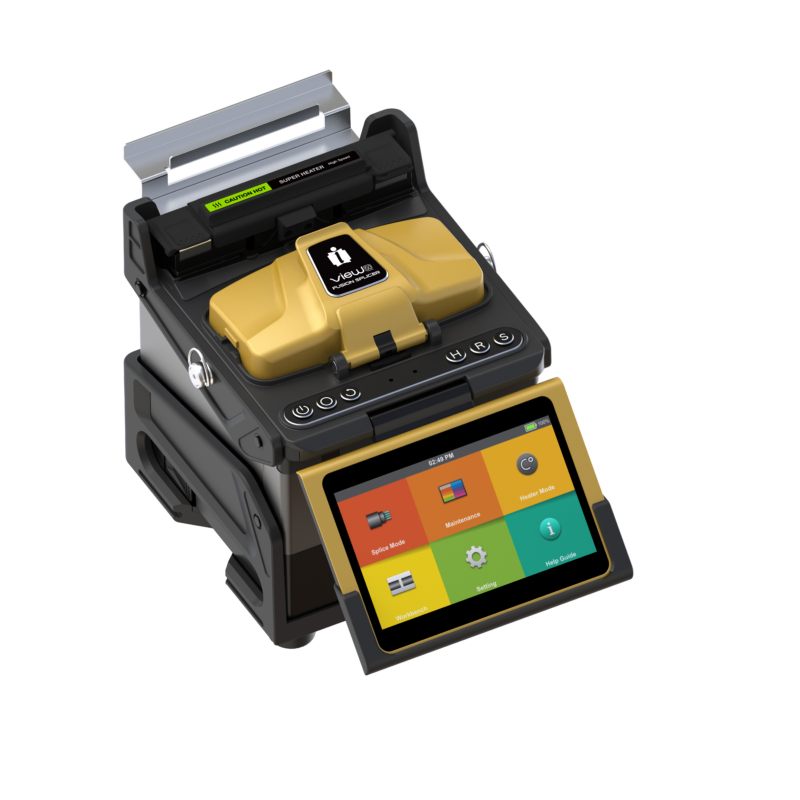
M7
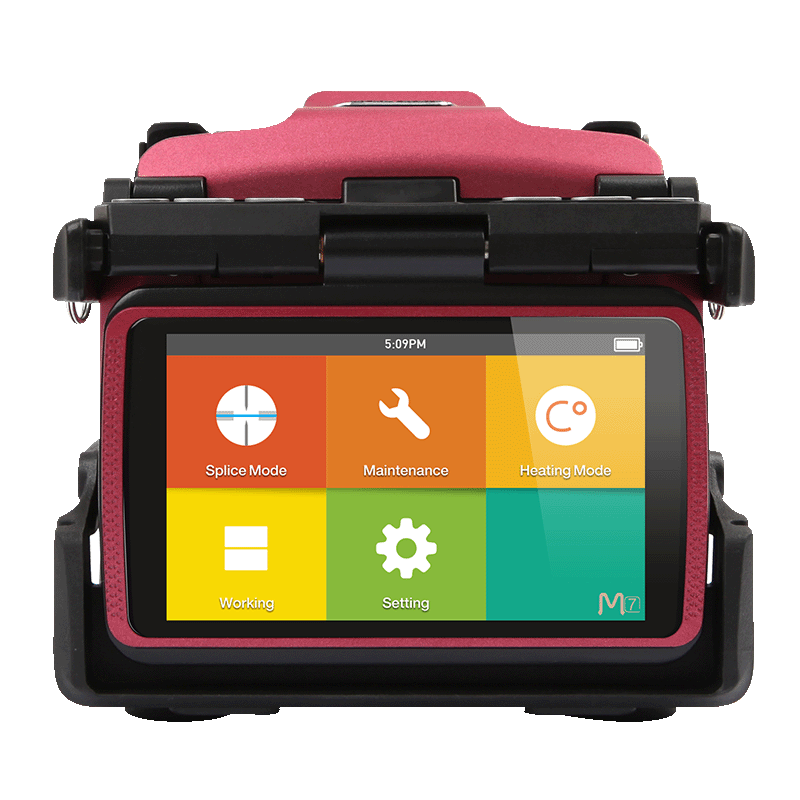
M7 adopts innovative product design and exquisite manufacturing technology so as to deliver unprecedented splicing experience to customers.
Overview
Welcome your visitors with elegance and flexibility and center the world around your website.
- Create unique websites
- Automate your busy work
- Optimize all your efforts

Applications
Change the colors to match your brand and vision, add your logo, swap out the content and you are good to go.
- Give your website a name
- Add your unique content
- Add your stunning images

Package
Change the colors to match your brand and vision, add your logo, swap out the content and you are good to go.
- Give your website a name
- Add your unique content
- Add your stunning images
Support & Downloads
With Ekko you don't need to know any code to create a beautiful website.
- Support forums
- Video tutorials
- Extensive documentationproduct_support


How To Buy
An attractive, user-friendly website can give your business the edge over the competition.
- Creative campaigns
- Google Analytics
- Social Mediaproduct_


Description
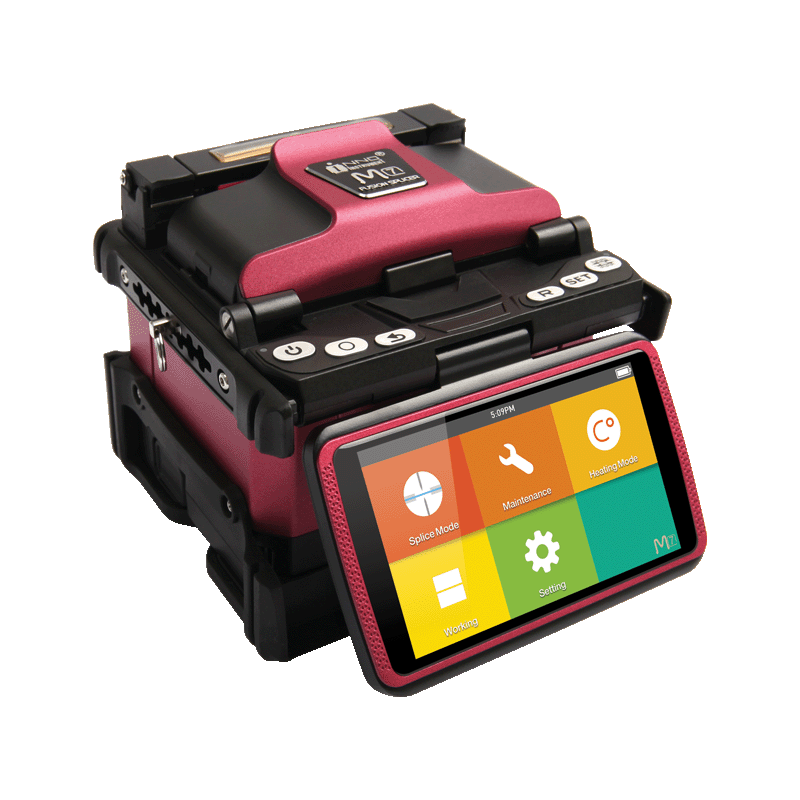
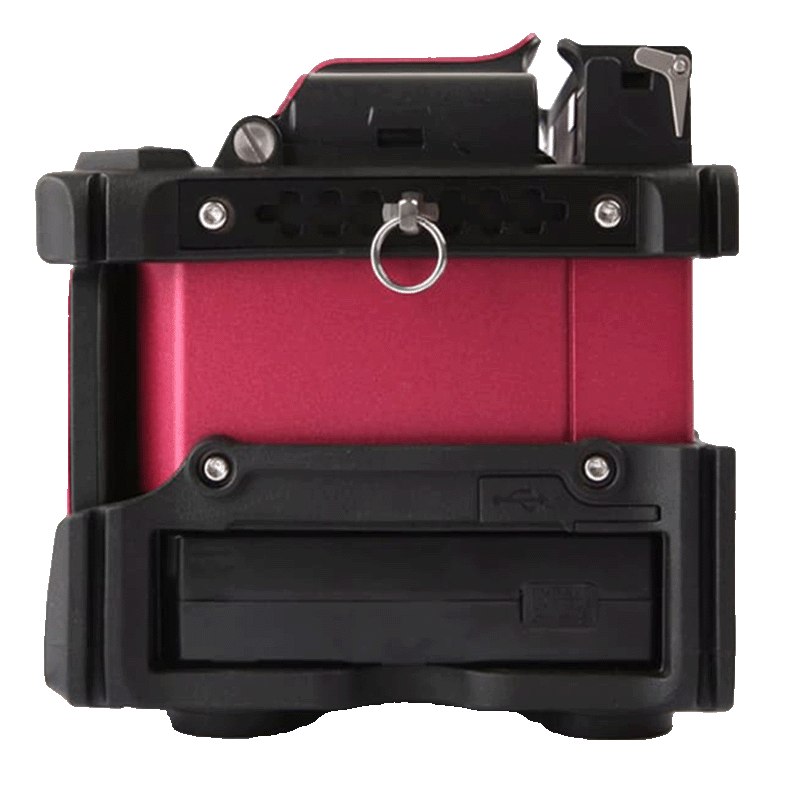
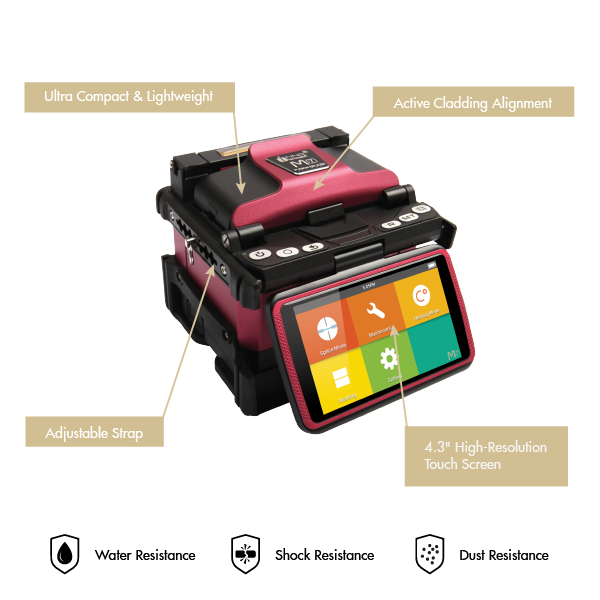
M7, an active clad-alignment splicer with ultra-portable design, is one of the most efficient fusion splicers in the market. This small but accurate fusion splicer inherits many remarkable functionalities from sister products. M7’s 4.3 inch high-resolution color LCD touch screen with user-friendly intuitive GUI(Graphic User Interface) offers large and clear fiber images to users. Moreover, the adjustable strap hanger make users to customize M7 for their working condition.

Specification Overview
Explore the superior specifications of our product, designed with cutting-edge technology to deliver unmatched performance. Each feature is crafted to ensure reliability, efficiency, and user satisfaction, enhancing your experience in remarkable ways
| Splicing Technology | Active Clad Alignment |
| Splicing Time | 7sec (quick mode) / 9 sec (typical) |
| Heating Time | 13 sec (45mm, slim 60mm), 15 sec (60mm) |
| Typical Loss | 0.03dB(SM) / 0.01dB(MM) / 0.05dB(DS) / 0.05dB(NZDS) / 0.03dB(G.657) |
| Size (HWD) | H: 124mm W: 144mm D: 131mm |
| Weight | 1.56kg (including battery) / 1.31kg (without battery) |
Applications
Package & Accessories
| Product | Type |
|---|---|
| High Precision Cleaver | V7 |
| Simple Optical Fiber Collector | SC-V7-01 |
| Fiber Holder | FH-40-1 |
| SOC Heater Cover | HTS-SOC-03 |
| AC Adaptor | JS-1618 |
| Cooling Tray | CG-22 |
| Electrodes | E-50 |
| Battery Pack | LBT-3000 |
| Power Cable | ACC-25 |
| USB Cable | USB-5P |
| USB Cable | USB-6P |
| Carrying Case | ICC-50 |
| Shoulder Strap | ST-01 |
| Optional Accessories | Type |
|---|---|
| Alcohol Pump | TK02-AP01 |
| Stripper | TK02-MP01 |
| Electrode Grinder | EG-18 |
| Heating Sleeve (60mm) | PS-60S |
Support & Downloads
Technical Help & Support
We're committed to providing exemplary support and technical services. Our dedicated team of skilled professionals is always ready to assist, ensuring smooth operation and optimal performance for all INNO products.
InnoCare24
InnoCare 24 is a fast and complete service where our technical support team and authorized distributors respond to customer inquiries within 24 hours via telephone, email, or even in person.
Warranty
INNO Instrument’s warranty is a testament to our confidence in the quality and durability of our products, providing customers with reassurance and support throughout their usage.
For Distributors/Partners
Our global network of distributors can access comprehensive resources and direct support through our Services Portal, specifically designed to streamline troubleshooting, service requests, and product information updates.
| Version | Description | Specific Instructions | Download |
|---|---|---|---|
| 3.03 | Initial release | None | Download 3.03 |
| 1.30 | General improvements | For the V1.xx line, the method depends on the currently installed version: V1.14 or earlier — copy F05B_sw_m4.bin and res.zip to the USB root; V1.15–V1.16 — use update.zip; V1.17 or later — first use F05B_sw_m4.bin + res.zip, then run the ZIP update (update.zip or the renamed ZIP). | Download 1.30 |
| 1.29 | Add Temperature and Air Pressure display in System information | For the V1.xx line, the method depends on the currently installed version: V1.14 or earlier — copy F05B_sw_m4.bin and res.zip to the USB root; V1.15–V1.16 — use update.zip; V1.17 or later — first use F05B_sw_m4.bin + res.zip, then run the ZIP update (update.zip or the renamed ZIP). | Download 1.29 |
| 1.27 | Initial release | For the V1.xx line, the method depends on the currently installed version: V1.14 or earlier — copy F05B_sw_m4.bin and res.zip to the USB root; V1.15–V1.16 — use update.zip; V1.17 or later — first use F05B_sw_m4.bin + res.zip, then run the ZIP update (update.zip or the renamed ZIP). | Contact INNO |
Firmware Update Instructions
| Update Instructions | |
| Prepare USB | Format a USB drive as FAT32. |
| Prepare file | The firmware archive must be named update.zip. If the downloaded ZIP has another filename, rename it to update.zip. Do not extract it unless the selected firmware version says otherwise. |
| Copy file | Place update.zip directly in the USB drive root (main directory) — not inside a folder. |
| Start upgrade | Insert the USB drive and start the software upgrade from the on-device menu. |
| Exceptions | If an Upgrade Method is shown for the selected firmware version, follow that method instead of the standard update.zip procedure. |
| Important | V1.xx / V3.xx are separate generations and are not interchangeable. |
| Version | Description | Download |
|---|---|---|
| V1.2 | PC Program for managing the par file, parameters, Splice records on PC. | Download V1.2 |
PC Program Instructions
Nothing to Display