- Bidirectional communication with the Cloud Server
- No extra accessories required
- No need for WiFi Network or Mobile Phone (Hotspot)
- Instant data transfer and GPS reporting
- No user intervention
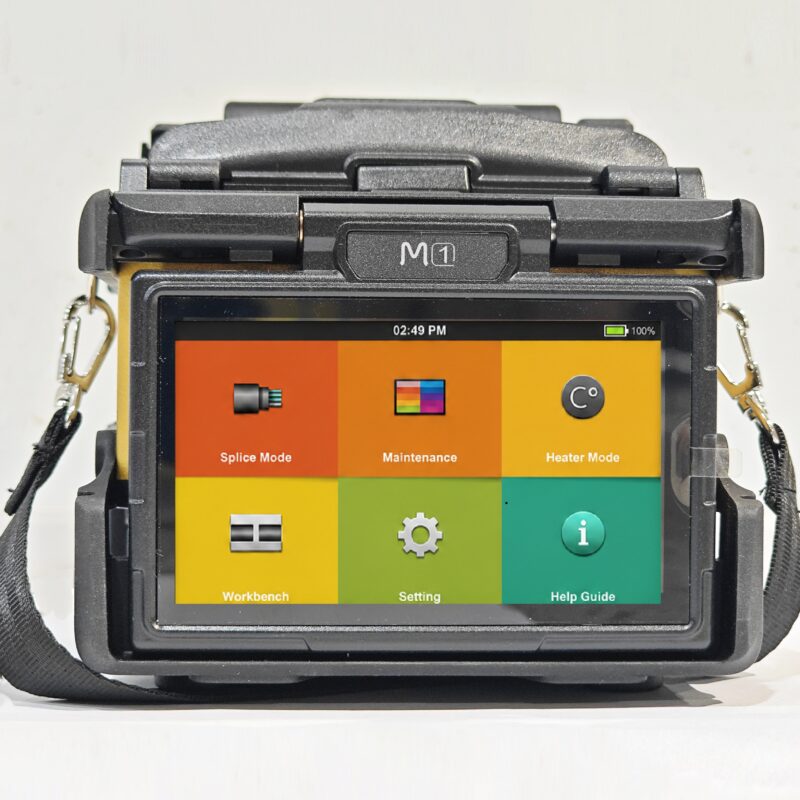
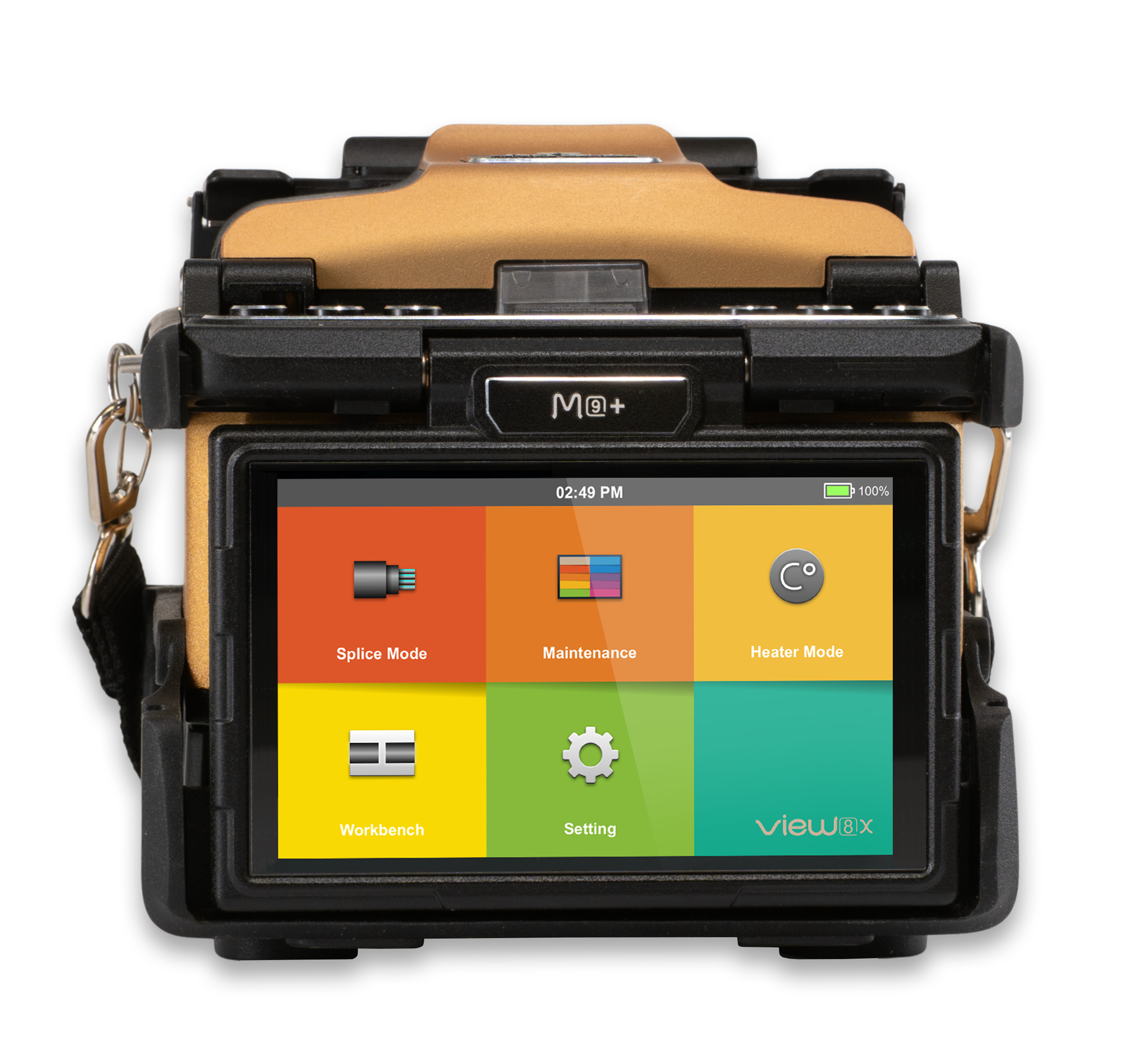
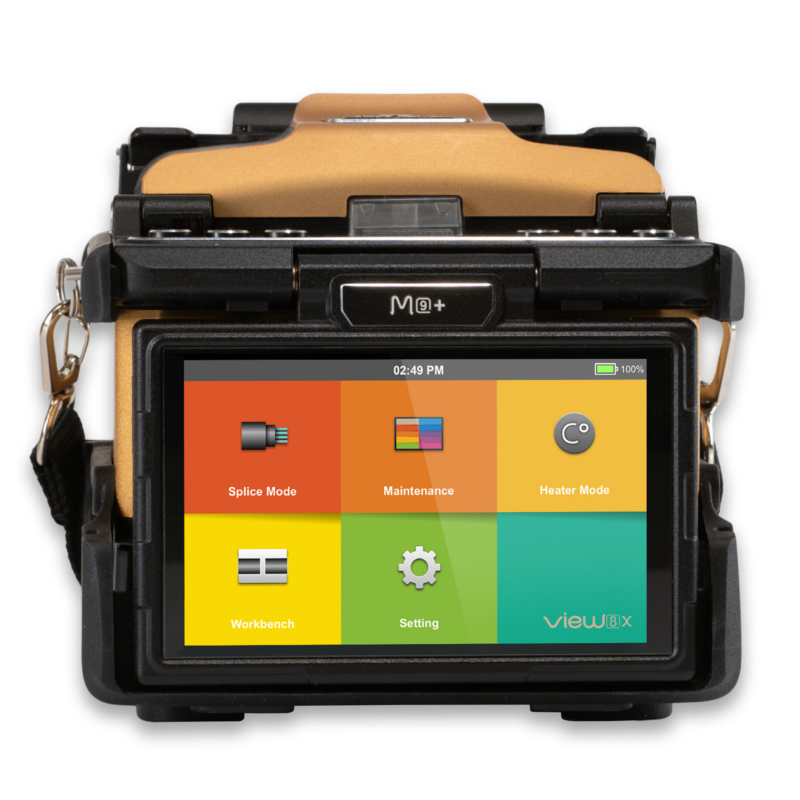
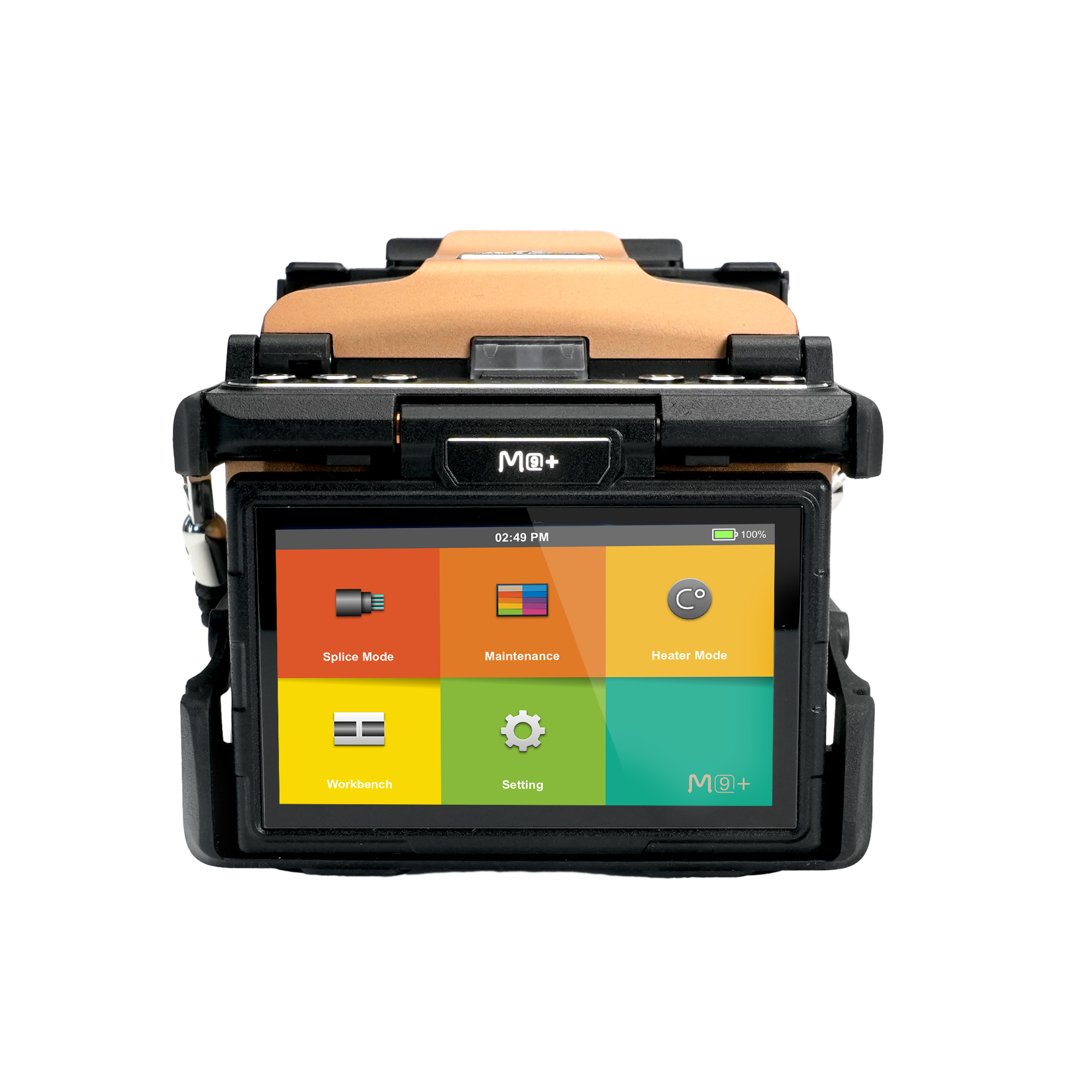
M9+
A Compact Core Alignment Fusion Splicer with AI-Driven Features and embedded IoT & GPS Modules.
Ultrafast Splicing
Core Alignment
Lightweight & Compact
IoT & GPS
Overview
Welcome your visitors with elegance and flexibility and center the world around your website.
- Create unique websites
- Automate your busy work
- Optimize all your efforts

VPM
Welcome your visitors with elegance and flexibility and center the world around your website.
- Create unique websites
- Automate your busy work
- Optimize all your efforts
Applications
Change the colors to match your brand and vision, add your logo, swap out the content and you are good to go.
- Give your website a name
- Add your unique content
- Add your stunning images
Applications
Change the colors to match your brand and vision, add your logo, swap out the content and you are good to go.
- Give your website a name
- Add your unique content
- Add your stunning images
Support & Downloads
With Ekko you don't need to know any code to create a beautiful website.
- Support forums
- Video tutorials
- Extensive documentationproduct_support


How To Buy
An attractive, user-friendly website can give your business the edge over the competition.
- Creative campaigns
- Google Analytics
- Social Mediaproduct_


Description
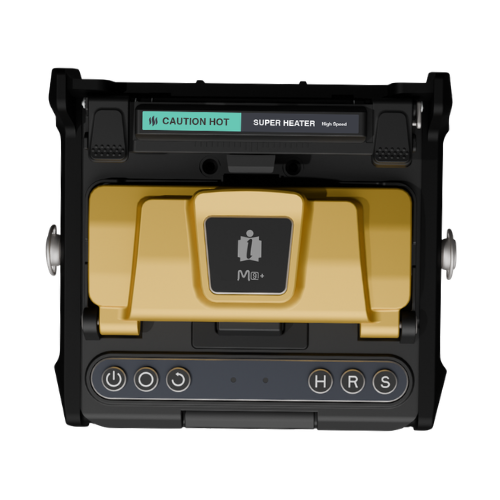
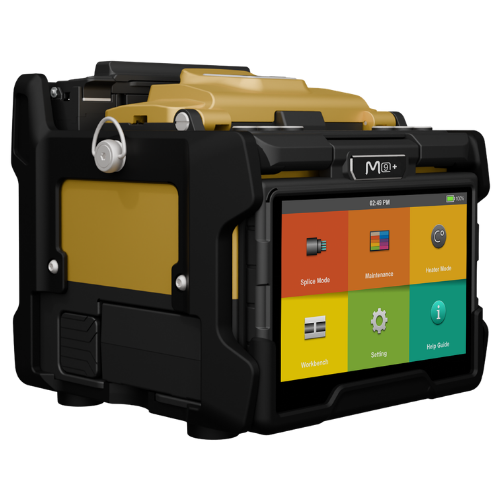
Showcasing the best of the M+ Series in a compact form, the M9+ is a fusion of technology and convenience. Boasting IoT and GPS capabilities, this splicer is at the cutting edge of smart connectivity. Designed for core alignment, the M9+ ensures every fiber is impeccably matched for optimal splicing. Though it’s small in size, it stands tall in performance, offering professionals the precision they need in a portable package. For those aiming for top-notch results without the bulk, the M9+ is the ideal companion in the fiber optics field.
The World's Fastest Fusion Splicer
Splicing operation redefined with cutting-edge technology and smart features
The Fastest Splicing Time
Splicing Operation reduced to as little as 4 seconds
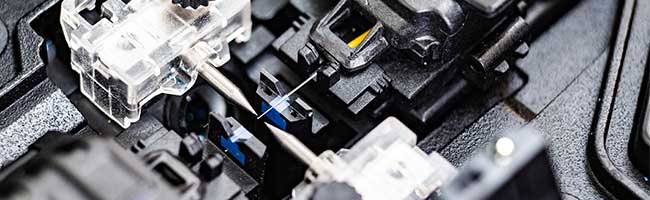
Pressure Heater Technology
Reducing Operation to Only 9 seconds
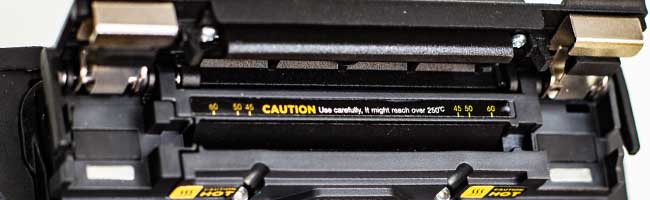
Versatile Fiber Holder
Switch easily between Standard and Loose-Tube
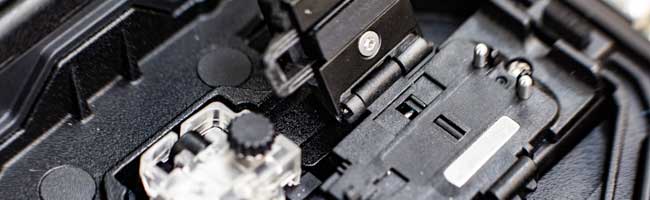
Improved Lighting
For better visibility in dark environment
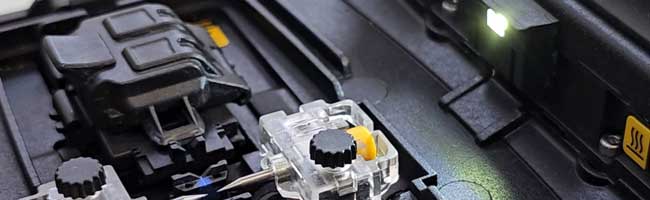
Rapid Response Time
Intuitive Interface | Experience Redefined
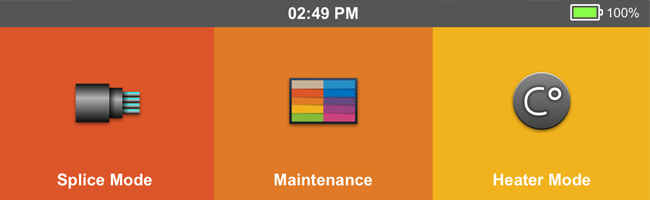
Increased Energy Efficiency
Increased number of cycles, even with the same battery capacity
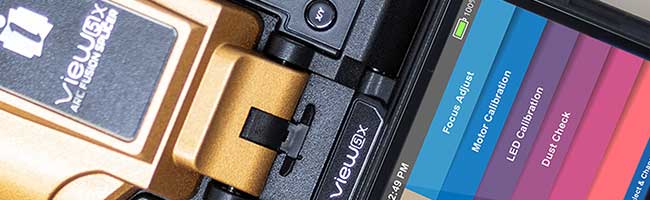
ViewX & M+ Series
Powered by cutting-edge technology, cloud services, and smart features, all elegantly encased in a precision-engineered metal body
Specification Overview
Explore the superior specifications of our product, designed with cutting-edge technology to deliver unmatched performance. Each feature is crafted to ensure reliability, efficiency, and user satisfaction, enhancing your experience in remarkable ways
Fusion Splicer
| Splicing Technology | Core Alignment |
| Splicing Time | 4s |
| Heating Time | 9s |
| Typical Loss | SM: 0.02dB / MM: 0.01dB / DS: 0.03dB / NZDS: 0.03dB / G.657: 0.02dB |
Dimensions
| Size (HWD) | H: 125mm W: 144mm D: 136mm |
| Weight | 1.63kg (with battery) |
Full Specification
VIEW Pro Manager Features
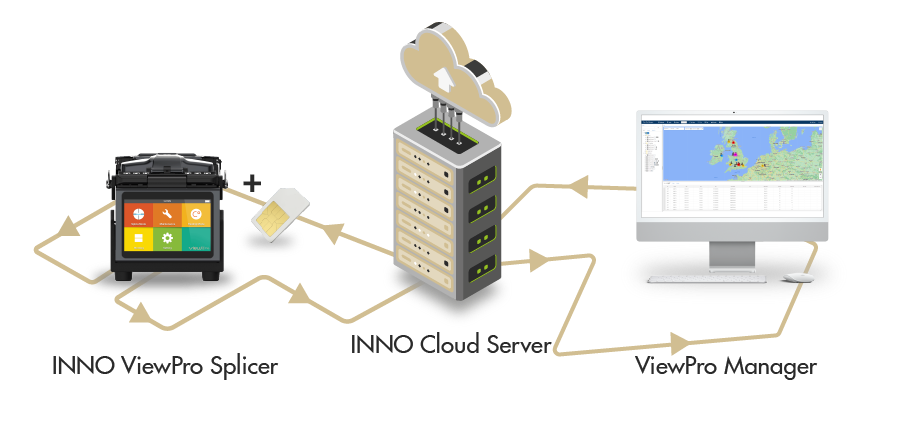
The View Pro Manager is a powerful set of cloud-based tools that organise and manage fusion splicing projects and assets. The View Pro Manager is integrated into our View Pro, View X and M+ Series.
Live Messaging
Easily send real-time messages directly from the View Pro Manager to the splicer for seamless communication and enhanced operational efficiency.
Service Request
Efficiently report issues, receive service messages, and upload screenshots to streamline communication and resolve problems swiftly.
Full Access Control
Enhance control and security by locking specific menus and restricting settings access using a supervisor password, ensuring only authorized changes are made.
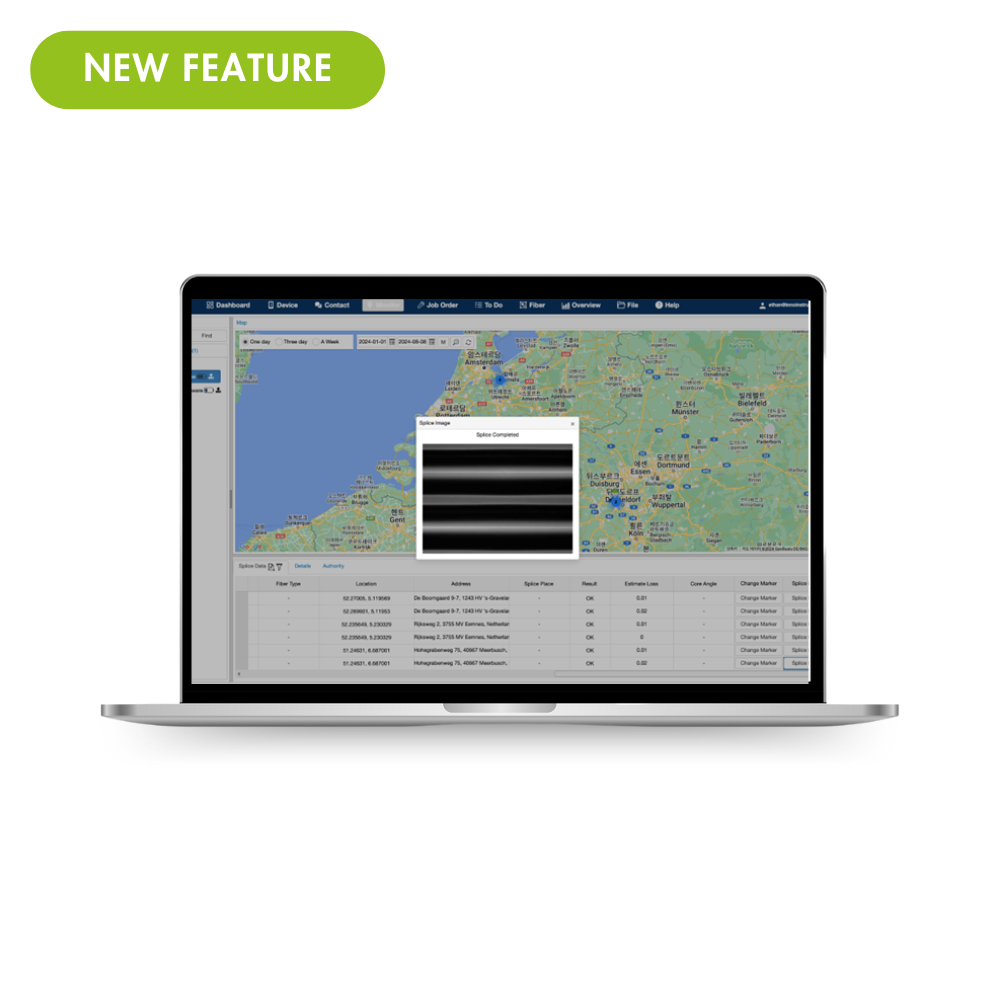
Splice Images
The View Pro Manager automatically syncs splice images with technical details like estimated loss and cleave angles for reliable splice quality assessment.
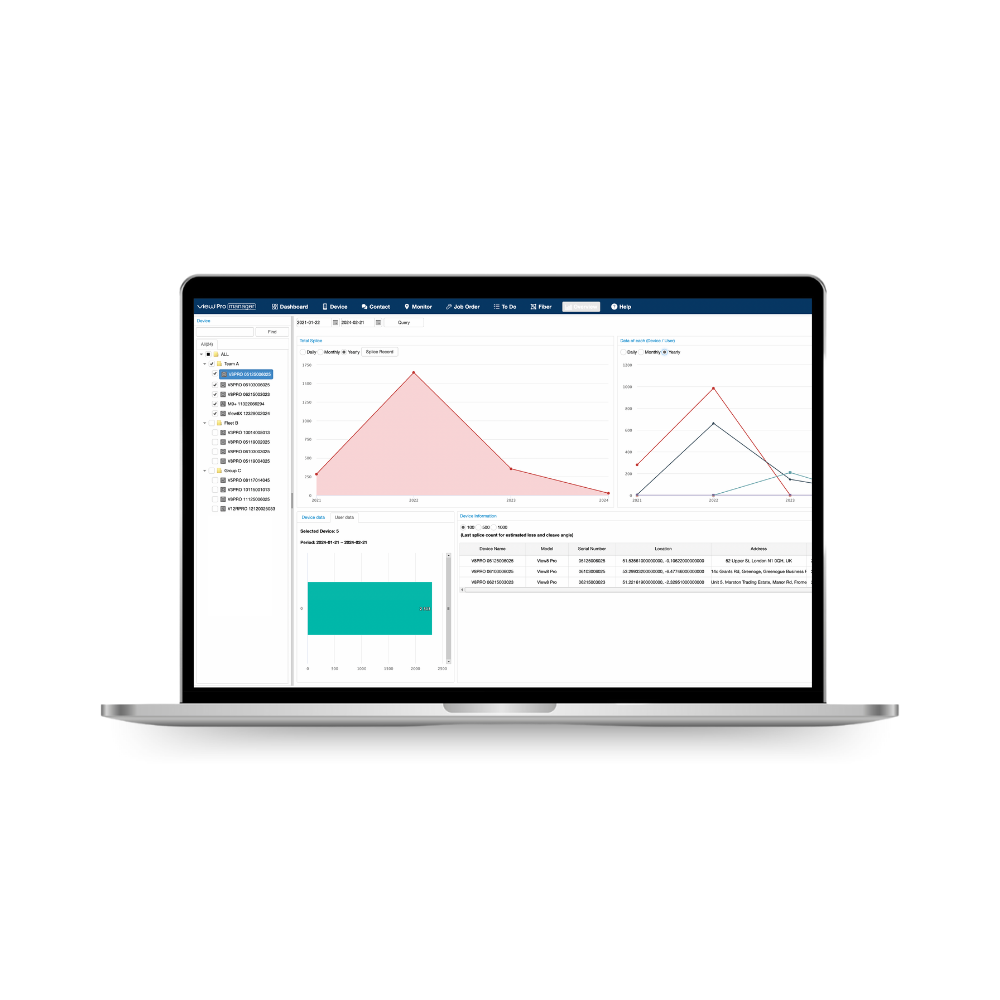
Splice Data
VPM gathers real-time splice data for improved decision-making and performance monitoring, including access to historical records.
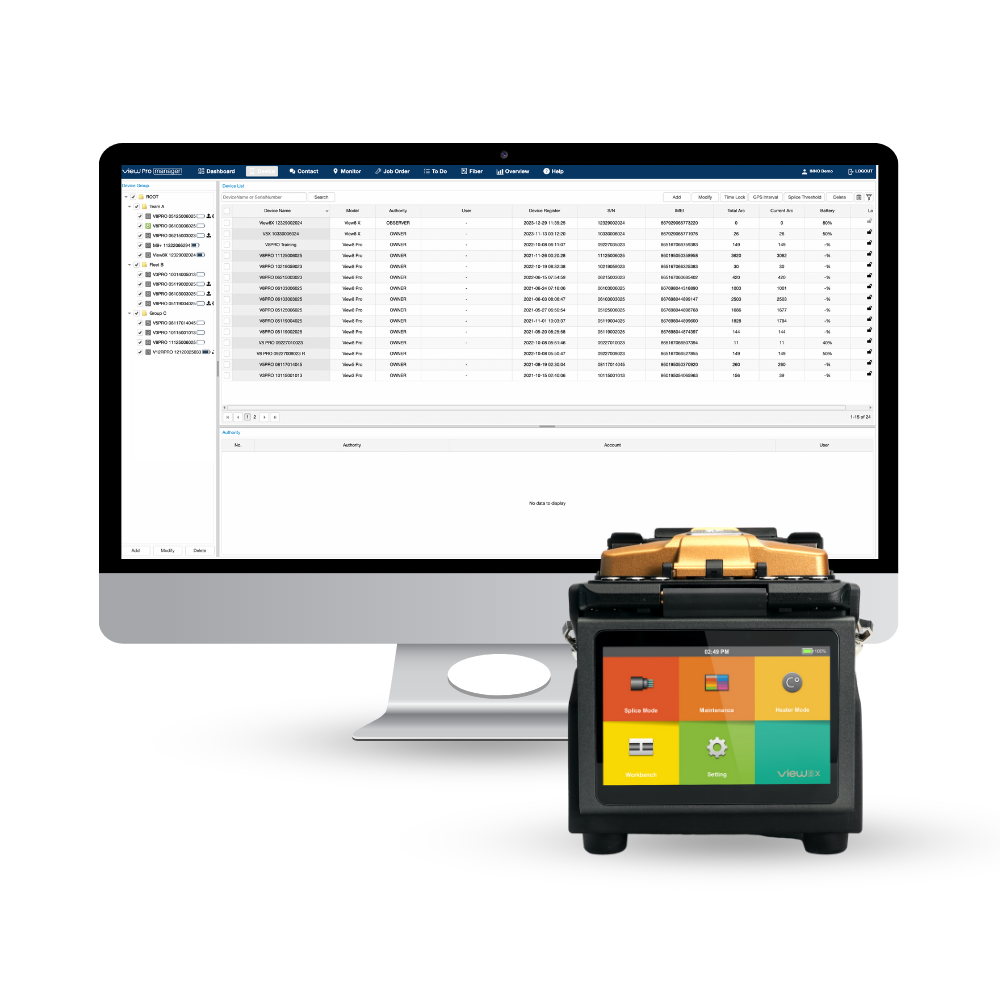
Asset Management
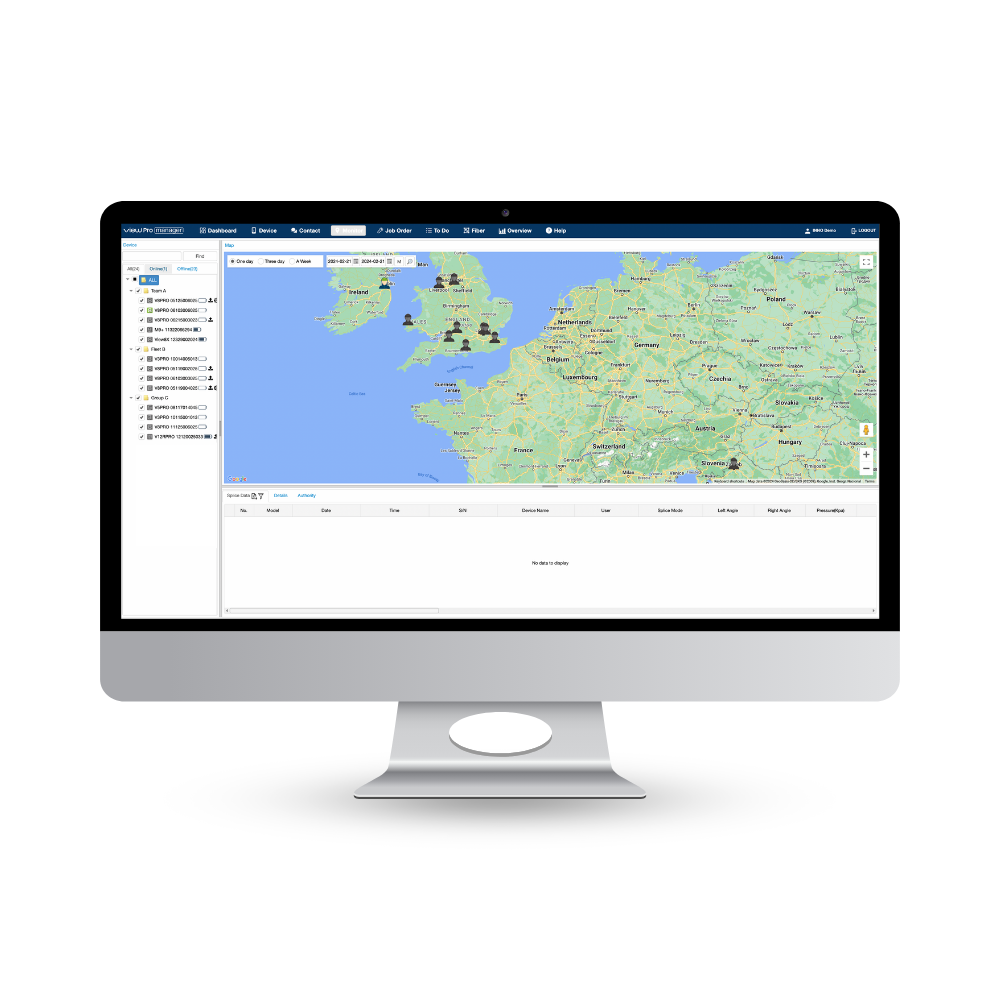
Manage your fleet with VIEW Pro Manager: Add inventory, track fusion splicers with GPS, and receive automated maintenance notifications to minimize downtime.
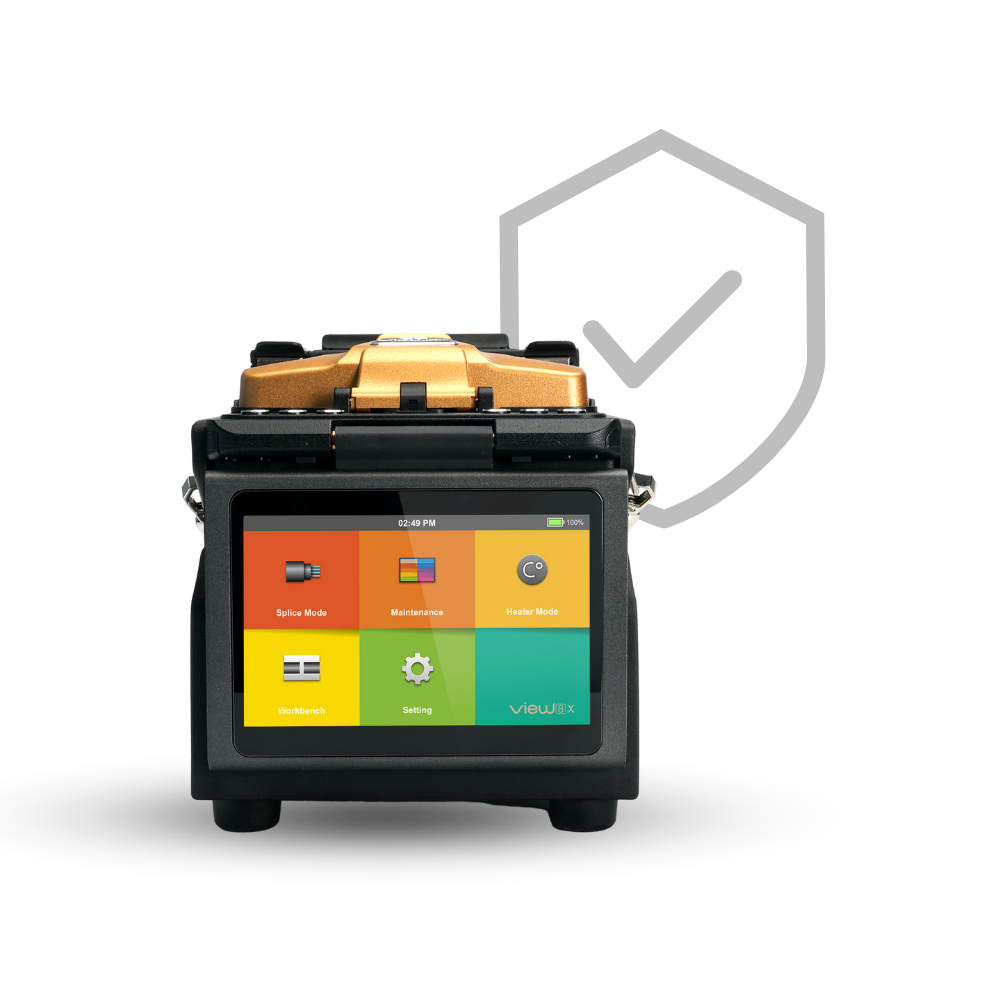
Anti-theft Protection
Secure your fusion splicer with VPM's anti-theft lock and password. Combine multiple security options for comprehensive protection against unauthorized access.
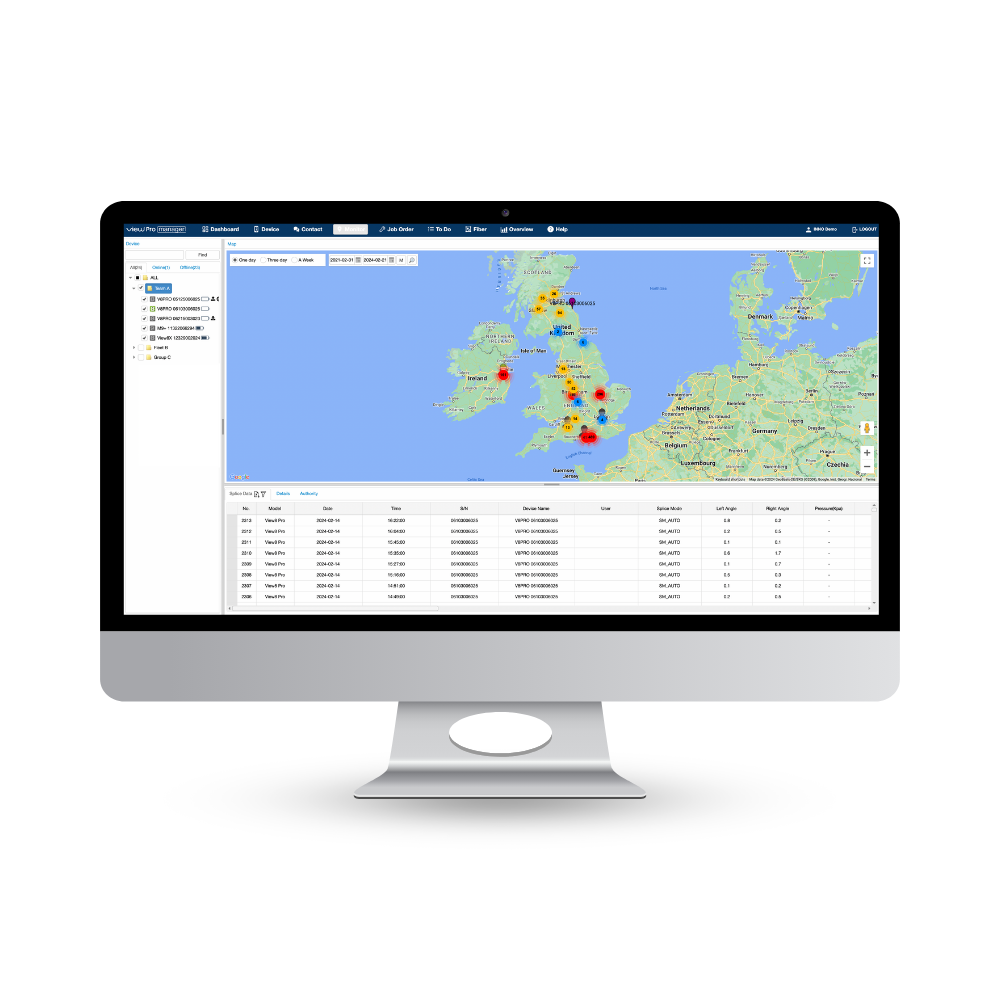
Project Management
Streamline project allocation and management, gain immediate insight into ongoing jobs and splice results, and enhance decision-making with real-time data.

Geolocation & Tracking
Track equipment in real-time or review historical locations. Utilize live data for strategic planning, optimizing field operations, and making informed decisions.
Preventive Maintenance
Ensure peak performance and quality while minimizing downtime. VPM offers real-time advice, monitoring equipment condition for optimal functionality.
Our Unique Approach
Enabling connectivity through mobile networks (SIM card)
Explore the VIEW Pro Manager!
With its advanced functionalities, View Pro Manager enables monitoring, analysis, and reporting across the entire fleet, ensuring optimal performance and reliability. Whether you're a network installer, team leader, or a manager, View Pro Manager provides the tools you need to streamline your fiber optic network operations and ensure exceptional results every step of the way
FIND OUT MORE
Applications
Installation & Maintenance
All FTTx Fiber Types
Small Fiber Count Projects
Precision-Critical Systems
SOC Splicing & Termination
Metro/Core/Spine Networks
Package & Accessories
| Product | Type |
|---|---|
| Cleaver | V2 |
| SOC Holder | FH-SOC-R |
| SOC Heater Cover | HTS-SOC-07 |
| Cooling Tray | CG-26 |
| Electrodes | E-70 |
| Battery Pack | LBT-5000C |
| USB Adapter | USB-8P |
| USB Charging Cable | USB-11P |
| Thermal Stripper | TS-X |
| Carrying Case | ICC-61 |
| Shoulder Strap | ST-02 |
| Optional Accessories | Type |
|---|---|
| Alcohol pump | TK02-AP01 |
| Stripper | TK02-MP01 |
| Cigarette Lighter Cable (C-Type) | CJ-13 |
| Heating sleeve (60mm) | PS-60S |
| Single Detachable Fiber Holders | FH-200/250S-1, FH-900S-1 |
Full Specification
Support & Downloads
Technical Help & Support
We're committed to providing exemplary support and technical services. Our dedicated team of skilled professionals is always ready to assist, ensuring smooth operation and optimal performance for all INNO products.
InnoCare24
InnoCare 24 is a fast and complete service where our technical support team and authorized distributors respond to customer inquiries within 24 hours via telephone, email, or even in person.
Warranty
INNO Instrument’s warranty is a testament to our confidence in the quality and durability of our products, providing customers with reassurance and support throughout their usage.
For Distributors/Partners
Our global network of distributors can access comprehensive resources and direct support through our Services Portal, specifically designed to streamline troubleshooting, service requests, and product information updates.
Support & Services
| Version | Description | Specific Instructions | Download |
|---|---|---|---|
| 3.04 | Improved compatibility with the new 4G communication module General improvements | None | Download 3.04 |
| 3.03 | General improvements | None | Download 3.03 |
| 3.01 | Initial release | None | Contact INNO |
| 1.15 | General improvements | If the currently installed V1.xx firmware is V1.11 or earlier, use the legacy method: extract the package, copy all files to the USB root and run the upgrade twice. On later V1.xx firmware, use the standard update.zip method. | Download 1.15 |
| 1.14 | General improvements | If the currently installed V1.xx firmware is V1.11 or earlier, use the legacy method: extract the package, copy all files to the USB root and run the upgrade twice. On later V1.xx firmware, use the standard update.zip method. | Download 1.14 |
| 1.13 | Updated German, Ukrainian, Finnish, Polish language support General improvements | If the currently installed V1.xx firmware is V1.11 or earlier, use the legacy method: extract the package, copy all files to the USB root and run the upgrade twice. On later V1.xx firmware, use the standard update.zip method. | Download 1.13 |
| 1.11 | Updated Portuguese, Polish, Ukrainian, Dutch language support General improvements | For the V1.xx generation on firmware V1.00–V1.11, extract the update package, copy all extracted files to the USB root and run the upgrade twice. | Download 1.11 |
| 1.09 | Supports up to 300 splice modes and 100 heat modes; firmware can be upgraded via the PC program Added VPM messaging, Zoom mode, and a screen-capture feature General improvements | For the V1.xx generation on firmware V1.00–V1.11, extract the update package, copy all extracted files to the USB root and run the upgrade twice. | Download 1.09 |
| 1.07 | General improvements | For the V1.xx generation on firmware V1.00–V1.11, extract the update package, copy all extracted files to the USB root and run the upgrade twice. | Download 1.07 |
| 1.06 | Added an administrator menu with menu-lock and time-lock options Expanded to 300 splice modes and 100 heat modes with ceramic/steel two-in-one heating General improvements | For the V1.xx generation on firmware V1.00–V1.11, extract the update package, copy all extracted files to the USB root and run the upgrade twice. | Download 1.06 |
| 1.02 | Added AGPS ephemeris auto-update and improved location service General improvements | For the V1.xx generation on firmware V1.00–V1.11, extract the update package, copy all extracted files to the USB root and run the upgrade twice. | Download 1.02 |
| 1.01 | Added Korean language support General improvements | For the V1.xx generation on firmware V1.00–V1.11, extract the update package, copy all extracted files to the USB root and run the upgrade twice. | Download 1.01 |
Firmware Update Instructions
| Update Instructions | |
| Prepare USB | Format a USB drive as FAT32. |
| Prepare file | The firmware archive must be named update.zip. If the downloaded ZIP has another filename, rename it to update.zip. Do not extract it unless the selected firmware version says otherwise. |
| Copy file | Place update.zip directly in the USB drive root (main directory) — not inside a folder. |
| Start upgrade | Insert the USB drive and start the software upgrade from the on-device menu. |
| Exceptions | If an Upgrade Method is shown for the selected firmware version, follow that method instead of the standard update.zip procedure. |
| Important | V1.xx / V3.xx are separate generations and are not interchangeable. |
| Version | Description | Download |
|---|---|---|
| PC Program for User V1.21 | 1. Now Software can be upgraded through PC program 2. Now able to edit heat 3. Bug fix of Check-degree compatibility issue 4. Heating time can be set between 5s~900s 5. Heater mode's name and note can be updated | Download PC Program for User V1.21 |
| Port Driver for Windows | Download Port Driver for Windows |
PC Program Instructions
Nothing to Display