VIEW500
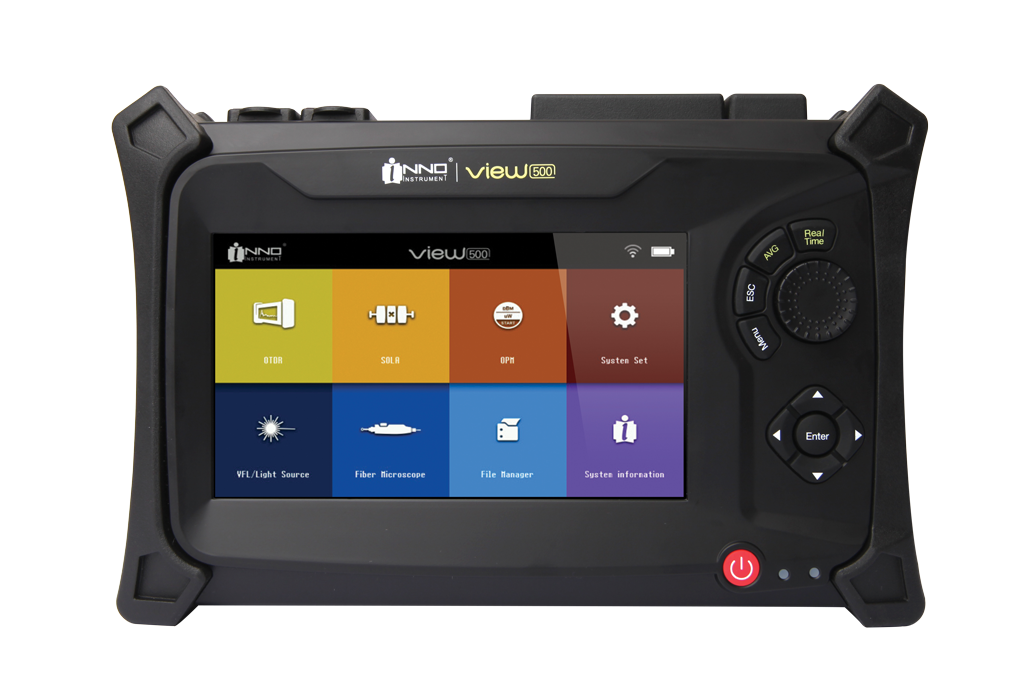
Through adopting high-powered hardware and convenient software, VIEW500 OTDR shortens installation time, debugging and fiber distance maintenance.
Description
Through adopting high-powered hardware and convenient software, VIEW500 OTDR shortens installation time, debugging and fiber distance maintenance. The main function of VIEW500 is for fiber fault diagnosis, especially aiming at FTTH applications. Besides basic OTDR functions, optical power meter and light source function for fiber evaluation is also internally installed. VIEW500 also has a visual light source (VFL) option function. Through the visual light source, it can do visualization inspection of fiber bends and fiber ruptures in dead zone.
Firmware & PC Software
| Version | Description | Specific Instructions | Download |
|---|---|---|---|
| 1.49 | Newly generated events now have a proper distance value correctly General improvements | Extract the downloaded firmware ZIP and copy the extracted firmware file(s) directly to the USB root, not inside a folder, then start the software upgrade. | Download 1.49 |
| 1.46 | General improvements | Extract the downloaded firmware ZIP and copy the extracted firmware file(s) directly to the USB root, not inside a folder, then start the software upgrade. | Download 1.46 |
Firmware Update Instructions
| Update Instructions | |
| Prepare USB | Format a USB drive as FAT32. |
| Extract file | Extract the downloaded firmware ZIP. |
| Copy files | Copy the extracted firmware file(s) directly to the USB drive root (main directory), not inside a folder. |
| Upgrade | Insert the USB drive and start the software upgrade from the device menu. |
| Version | Description | Download |
|---|---|---|
| V4.53 | Now event can be deleted in SOLA file by using program | Download V4.53 |
PC Program Instructions
Nothing to Display
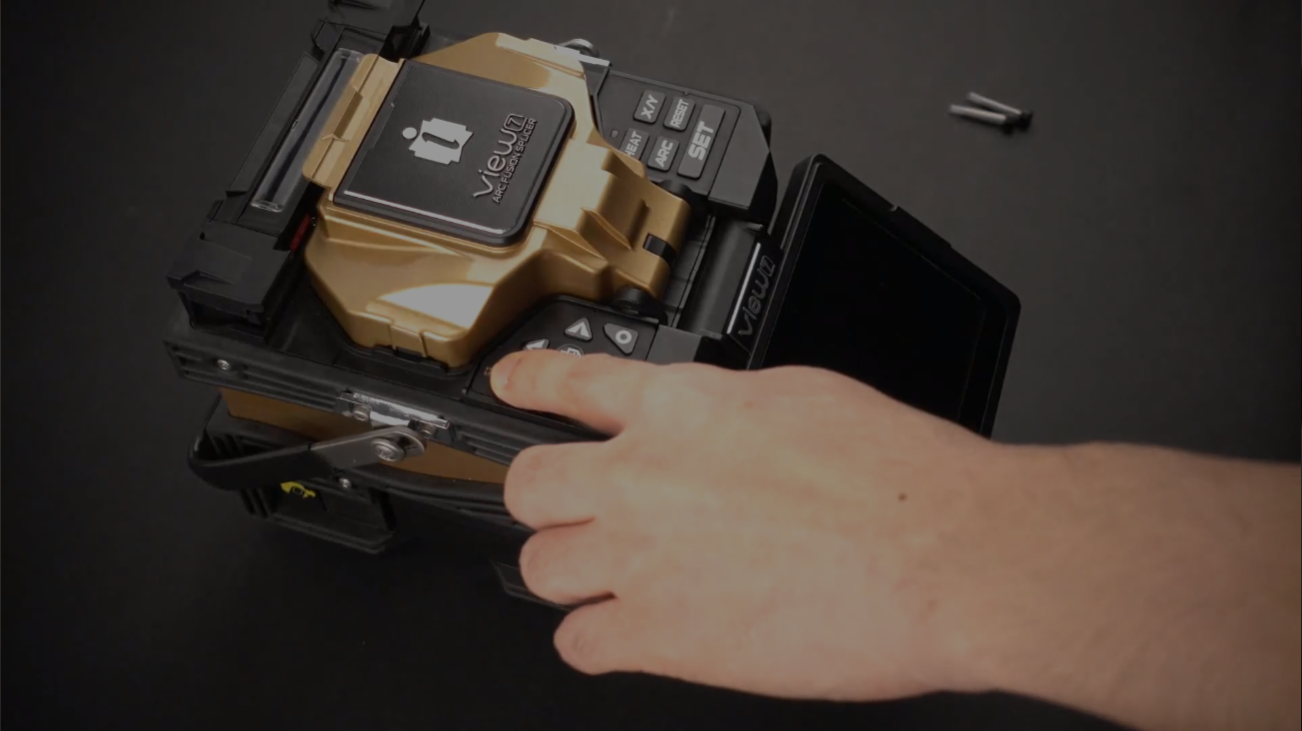
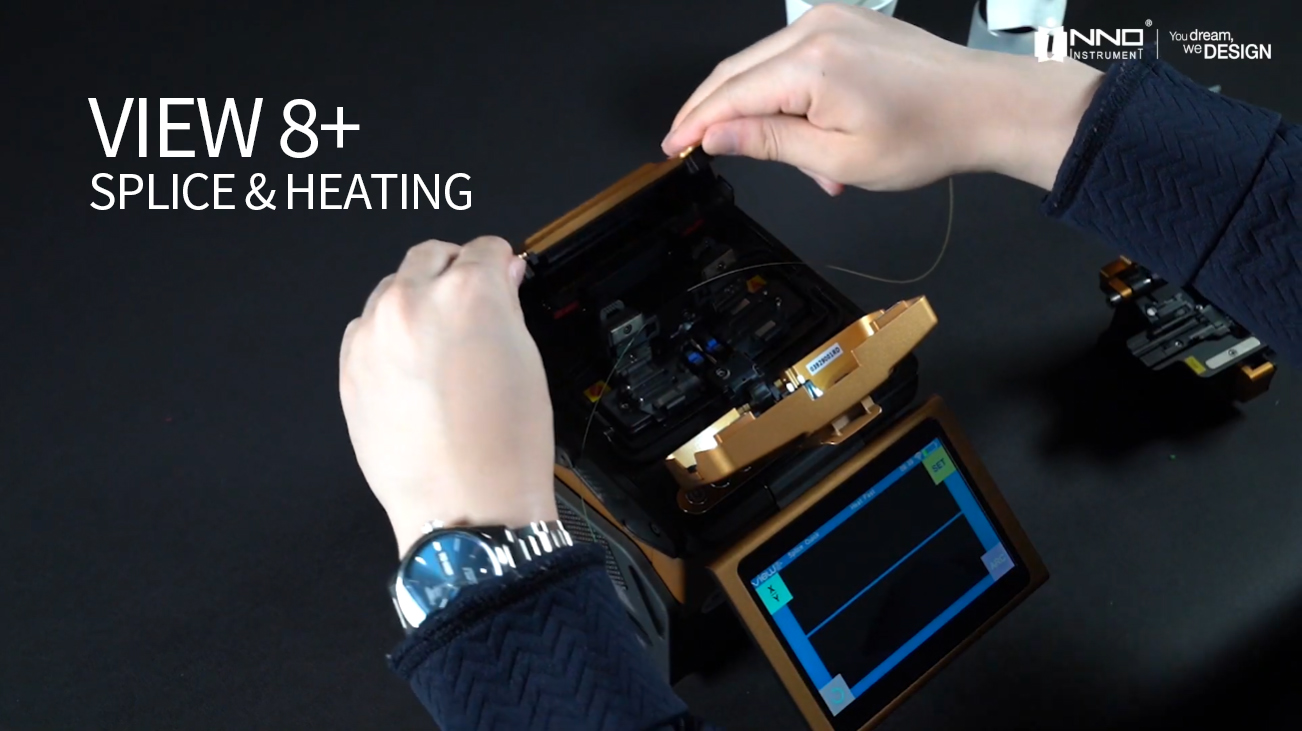
Watch our operation & maintenance videos to get the most out of your devices
We're There To Help
Technical Help & Support
We're committed to providing exemplary support and technical services. Our dedicated team of skilled professionals is always ready to assist, ensuring smooth operation and optimal performance for all INNO products.
InnoCare24
InnoCare 24 is a fast and complete service where our technical support team and authorized distributors respond to customer inquiries within 24 hours via telephone, email, or even in person.
Warranty
INNO Instrument’s warranty is a testament to our confidence in the quality and durability of our products, providing customers with reassurance and support throughout their usage.
For Distributors/Partners
Our global network of distributors can access comprehensive resources and direct support through our Services Portal, specifically designed to streamline troubleshooting, service requests, and product information updates.