VIEW3
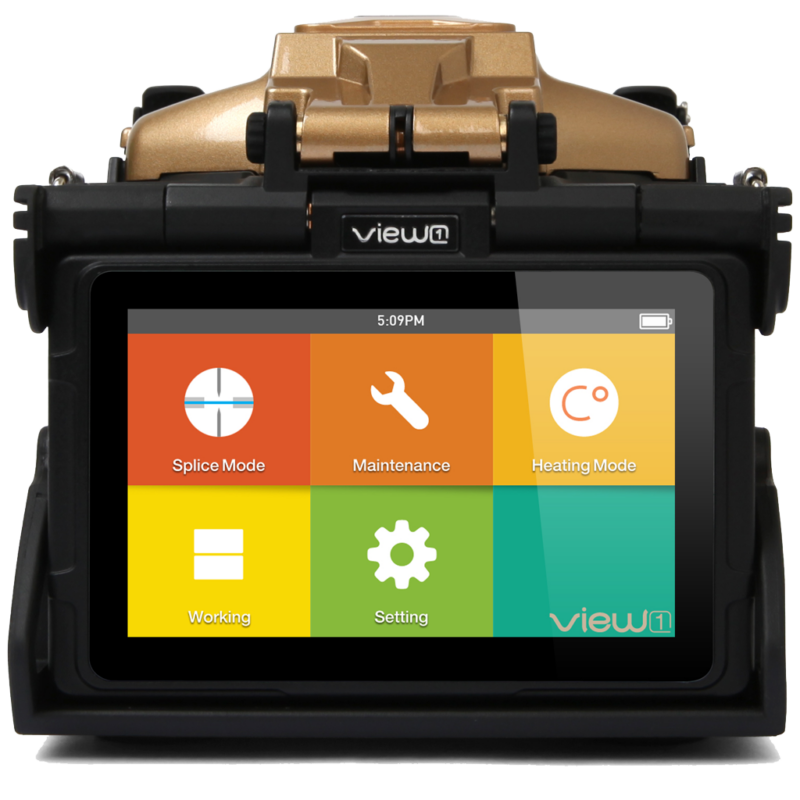
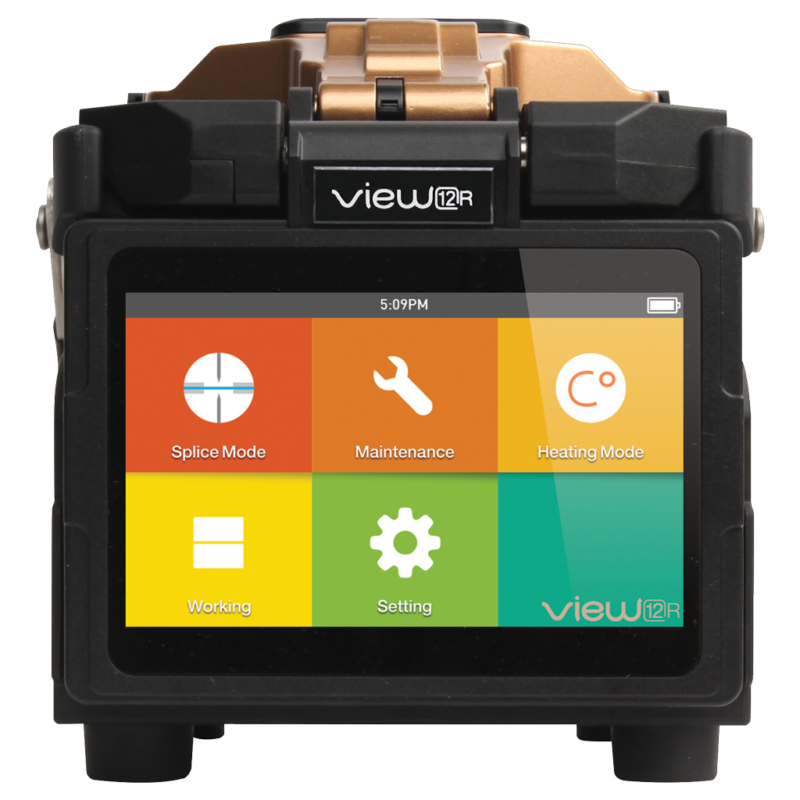
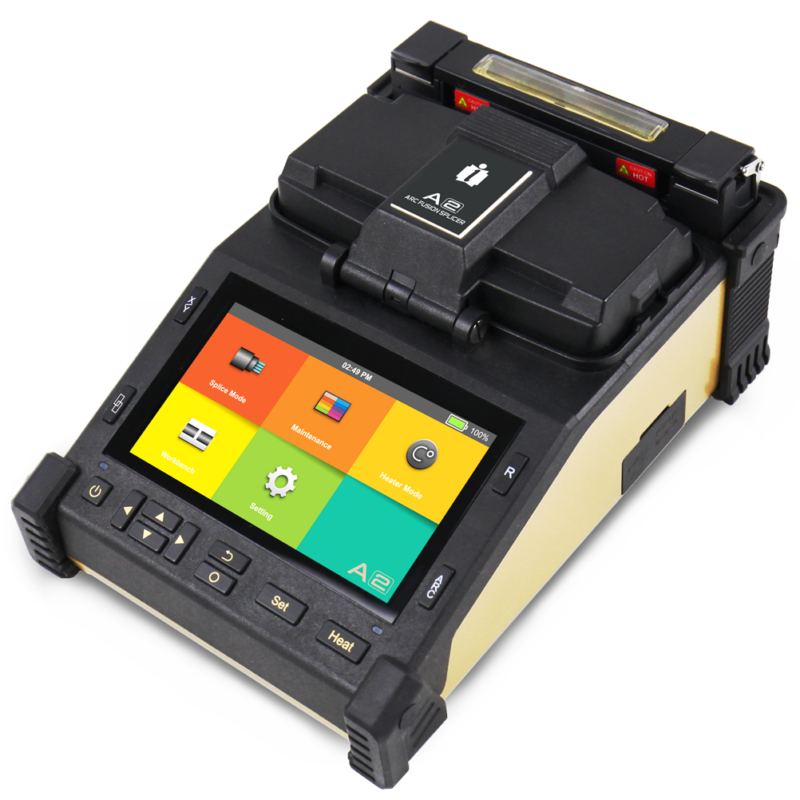
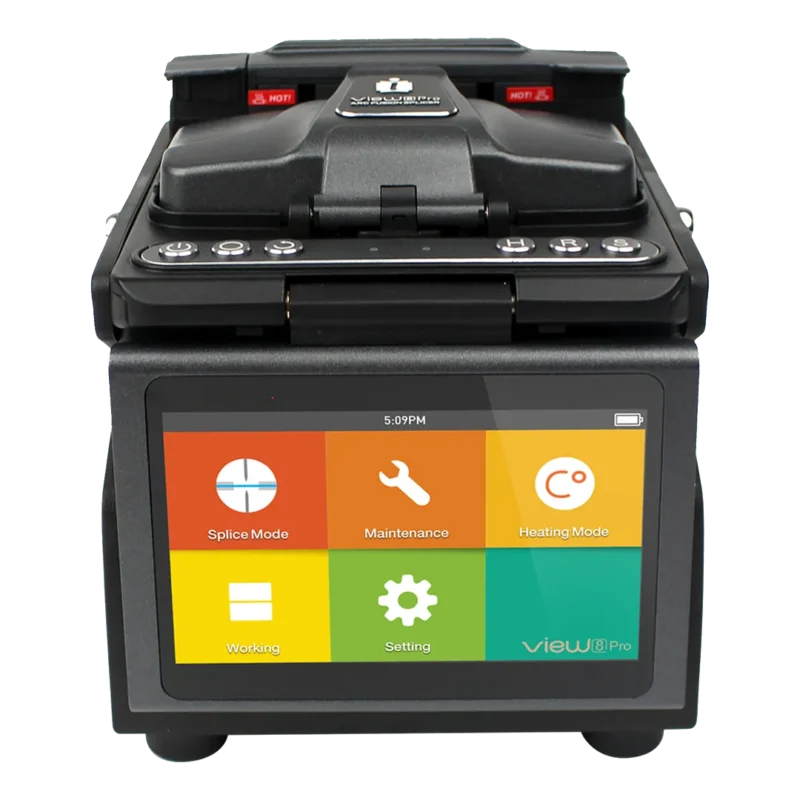
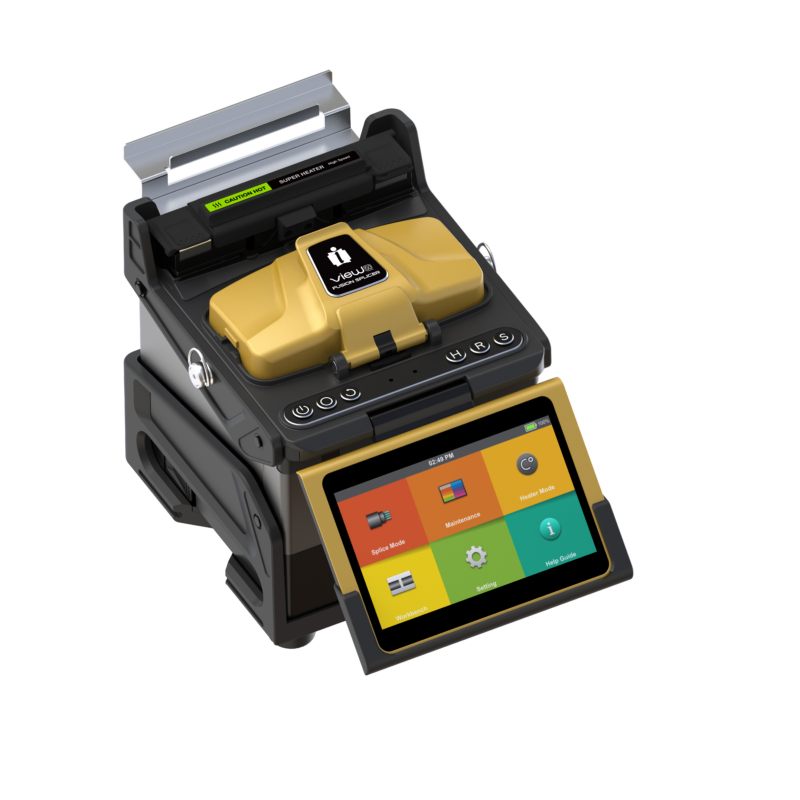
The VIEW 3 Arc Fusion Splicer from INNO Instrument is designed to offer a superior splicing experience. It utilizes advanced technology that significantly reduces splicing and heating times.
Description
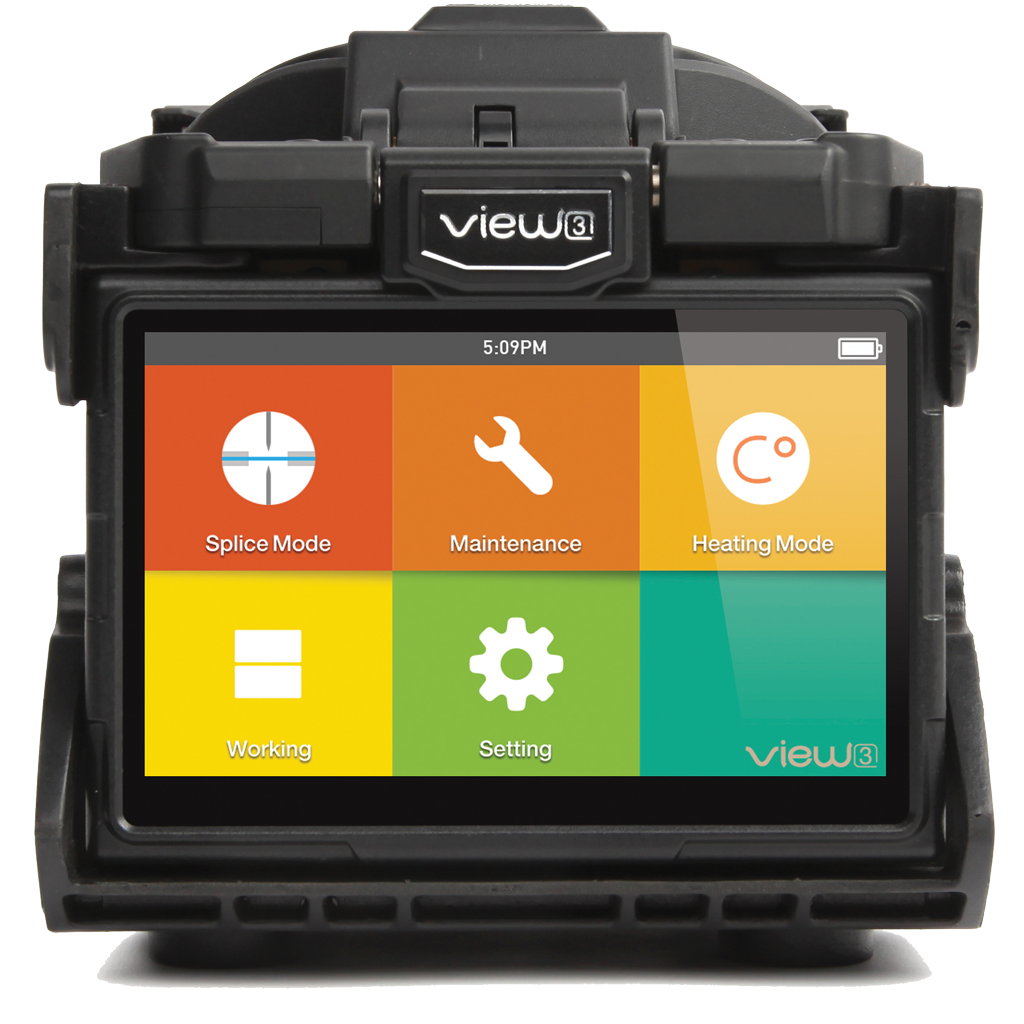
The VIEW 3 Arc Fusion Splicer from INNO Instrument is designed to offer a superior splicing experience. It utilizes advanced technology that significantly reduces splicing and heating times. The splicer is also equipped with a refined estimation method and alignment technique to enhance the accuracy of splice loss estimation. Its design is both straightforward and modern, featuring a sophisticated internal structure and a sturdy protective cover, making it well-suited for a variety of operating environments. The dynamic operation interface and the automatic splice mode of the VIEW 3 are geared towards providing convenience to its users.
Firmware & PC Software
| Version | Description | Specific Instructions | Download |
|---|---|---|---|
| 3.00 | Initial release | None | Download 3.00 |
| 1.39 | General improvements | If the currently installed V1.xx firmware is V1.33 or earlier, first use F7_sw_m6.bin and res.zip, then run update.zip. On later V1.xx firmware, use the standard update.zip method. | Download 1.39 |
| 1.37 | Add Press motor test in factory mode No2.5 General improvements | If the currently installed V1.xx firmware is V1.33 or earlier, first use F7_sw_m6.bin and res.zip, then run update.zip. On later V1.xx firmware, use the standard update.zip method. | Contact INNO |
| 1.35 | General improvements | If the currently installed V1.xx firmware is V1.33 or earlier, first use F7_sw_m6.bin and res.zip, then run update.zip. On later V1.xx firmware, use the standard update.zip method. | Contact INNO |
| 1.30 | Initial release | If the currently installed V1.xx firmware is V1.33 or earlier, first use F7_sw_m6.bin and res.zip, then run update.zip. On later V1.xx firmware, use the standard update.zip method. | Contact INNO |
Firmware Update Instructions
| Update Instructions | |
| Prepare USB | Format a USB drive as FAT32. |
| Prepare file | The firmware archive must be named update.zip. If the downloaded ZIP has another filename, rename it to update.zip. Do not extract it unless the selected firmware version says otherwise. |
| Copy file | Place update.zip directly in the USB drive root (main directory) — not inside a folder. |
| Start upgrade | Insert the USB drive and start the software upgrade from the on-device menu. |
| Exceptions | If an Upgrade Method is shown for the selected firmware version, follow that method instead of the standard update.zip procedure. |
| Important | V1.xx / V3.xx are separate generations and are not interchangeable. |
| Version | Description | Download |
|---|---|---|
| V1.6 | V1.6 PC Program | Download V1.6 |
| Splicer Monitor extension program for PC V1.3 | Program to extend Splice screen to computer with Data cable. | Download Splicer Monitor extension program for PC V1.3 |
PC Program Instructions
Nothing to Display
Watch our operation & maintenance videos to get the most out of your devices

We're There To Help
Technical Help & Support
We're committed to providing exemplary support and technical services. Our dedicated team of skilled professionals is always ready to assist, ensuring smooth operation and optimal performance for all INNO products.
InnoCare24
InnoCare 24 is a fast and complete service where our technical support team and authorized distributors respond to customer inquiries within 24 hours via telephone, email, or even in person.
Warranty
INNO Instrument’s warranty is a testament to our confidence in the quality and durability of our products, providing customers with reassurance and support throughout their usage.
For Distributors/Partners
Our global network of distributors can access comprehensive resources and direct support through our Services Portal, specifically designed to streamline troubleshooting, service requests, and product information updates.